Every business should be doing email marketing. The trouble is that as you grow and keep collecting leads, organising them and sending campaigns can become expensive enough to eat into the return. That is exactly the gap autoresponders fill.
If you are just getting started, a free autoresponder is a sensible place to begin. You get the basics — collecting leads through an embedded form and sending a capped number of emails each month — without paying a cent while you find your footing.
To help you choose, we look at five well-regarded autoresponders with free tiers, weighing what each one offers along with its strengths and weaknesses so you can pick the right fit for 2026.
1. Brevo (formerly Sendinblue)

Brevo, the platform many still know by its original name Sendinblue, bundles a wide set of marketing tools into a single dashboard, which helped it grow into one of Europe's largest marketing-solution providers. One standout is built-in SMS sending, managed from the same place as your email campaigns.
The free plan lets you store an unlimited number of contacts but caps daily sends. That limit feels generous when you are starting out and still gathering your first leads, since you rarely need to send in volume at that stage.
Features you can expect include:
- A drag-and-drop email editor
- A WordPress plugin that lets you manage everything from your site's dashboard
- A/B testing to see how different messages perform
- Integrations with platforms such as Salesforce and Shopify
- Real-time chat you can add to your website
- Several paid tiers, plus an enterprise option, for when you outgrow the free plan
Pros
- The free plan allows unlimited contacts
- Most of the tools are available even on the free plan
- The platform can send SMS as well as email
- Free email support is included on the free plan
Cons
- Emails sent on the free plan carry the provider's branding, which cannot be removed
- The daily send limit can feel tight for some businesses
2. Moosend
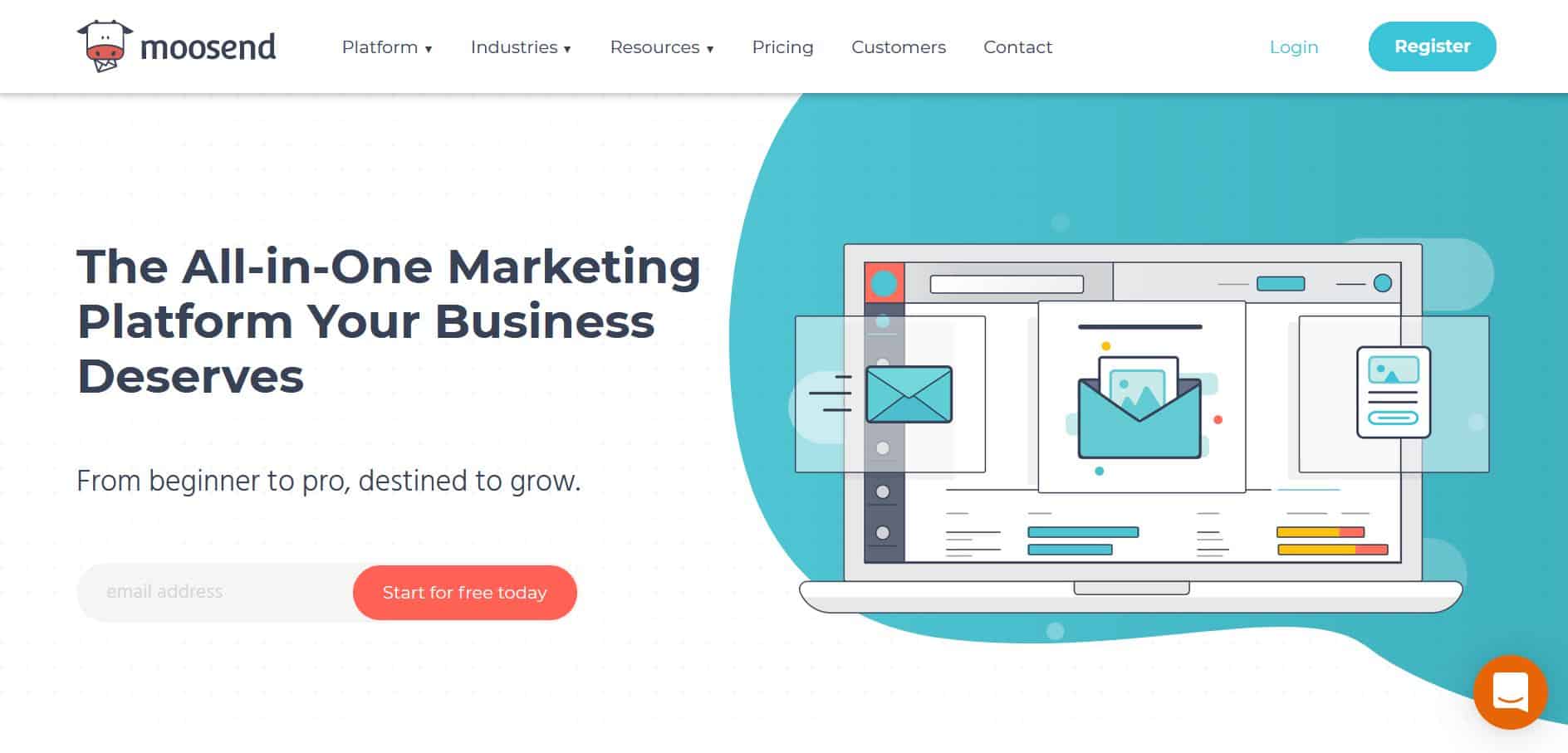
Moosend offers an approachable platform that suits beginners looking for a capable autoresponder that is both feature-rich and inexpensive. It hits both marks, packing features into a plan that often lands behind paywalls elsewhere.
Moosend offers paid tiers that scale with your subscriber count, so you pay in line with the size of your list, plus an enterprise option aimed at larger organisations that you arrange by contacting the company directly.
Some of Moosend's features include:
- An intuitive drag-and-drop email editor
- Powerful automation
- Full A/B testing
- Pre-made workflow recipes that save time
- Detailed data on your subscribers
- Customisable sign-up forms
- Link-level click tracking
- Robust analytics and exportable reports
- Triggers and filters
- Insight into which email clients your subscribers use
- Flexible pricing so you never pay for more than you need
Pros
- An easy interface that helps beginners find everything quickly
- You can try the platform before committing
- Strong support via email, phone, and live chat
- Every account tier gets access to the full feature set
- eCommerce integration for upselling, abandoned-cart emails, and more
- Emails carry no Moosend branding or logos
Cons
- Some users have reported occasional deliverability issues
- The sign-up forms look basic and need customising before use
- Fewer native integrations than some rivals
3. MailerLite
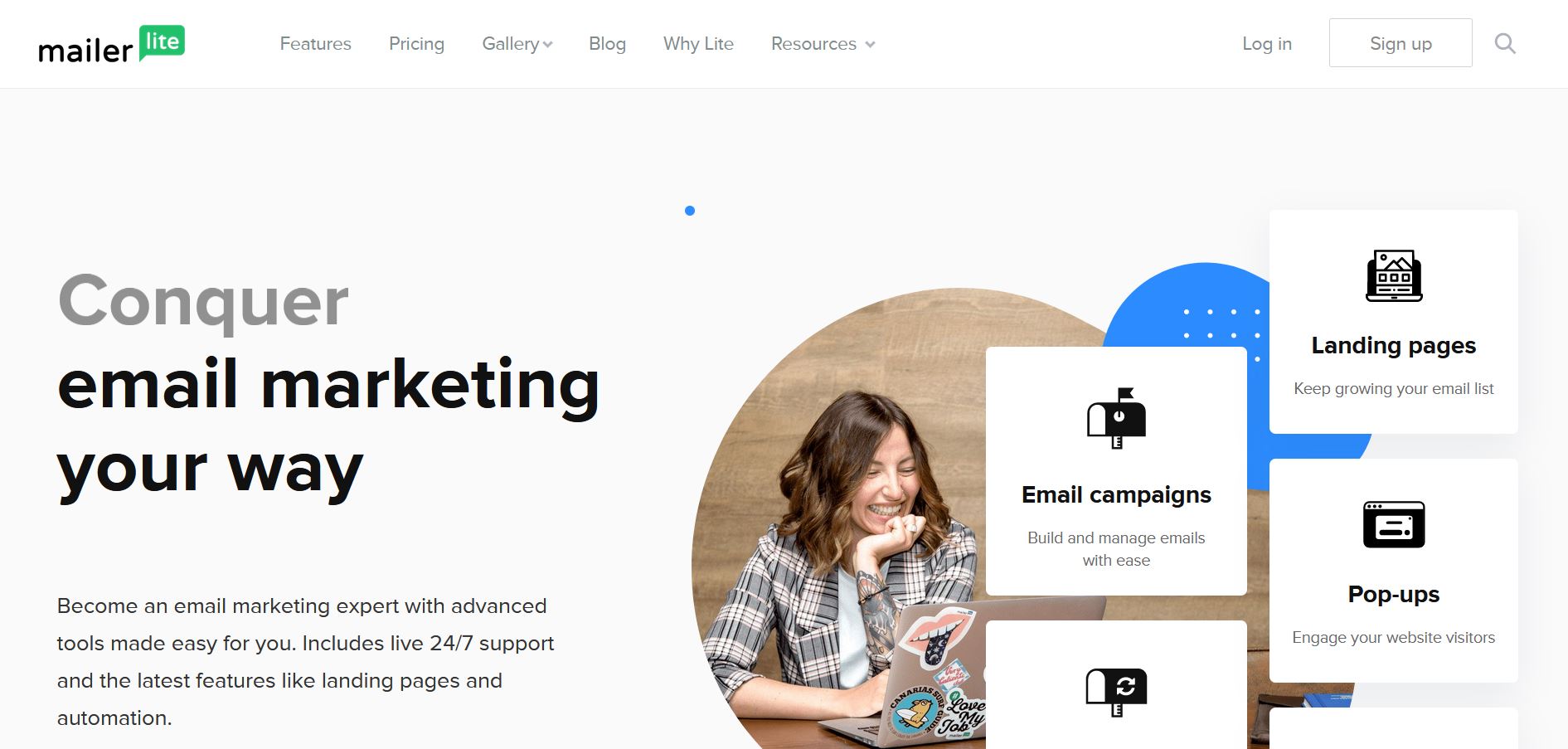
MailerLite has earned a reputation as one of the best free autoresponders, thanks to how easy it is to use and the breadth of features it packs in.
MailerLite's free plan includes a healthy monthly send allowance, though you will want a paid tier to unlock its more advanced tools, such as custom templates, A/B testing, and click-heatmap reporting.
The main features of MailerLite are:
- Full HTML customisation of your emails
- Send-time optimisation for subscribers' local time zones
- A drag-and-drop builder for mobile-optimised templates
- A large library of newsletter templates for different business types
- Affordable paid tiers that scale with your contact count and unlock advanced features
Pros
- Segmentation is available even on the free plan
- No daily send cap, only a monthly allowance
- The drag-and-drop builder is genuinely easy and intuitive
Cons
- No free email templates on the free plan
- Free-plan emails carry a MailerLite logo
- Once your list grows past the free threshold, you need a paid plan
4. SendPulse
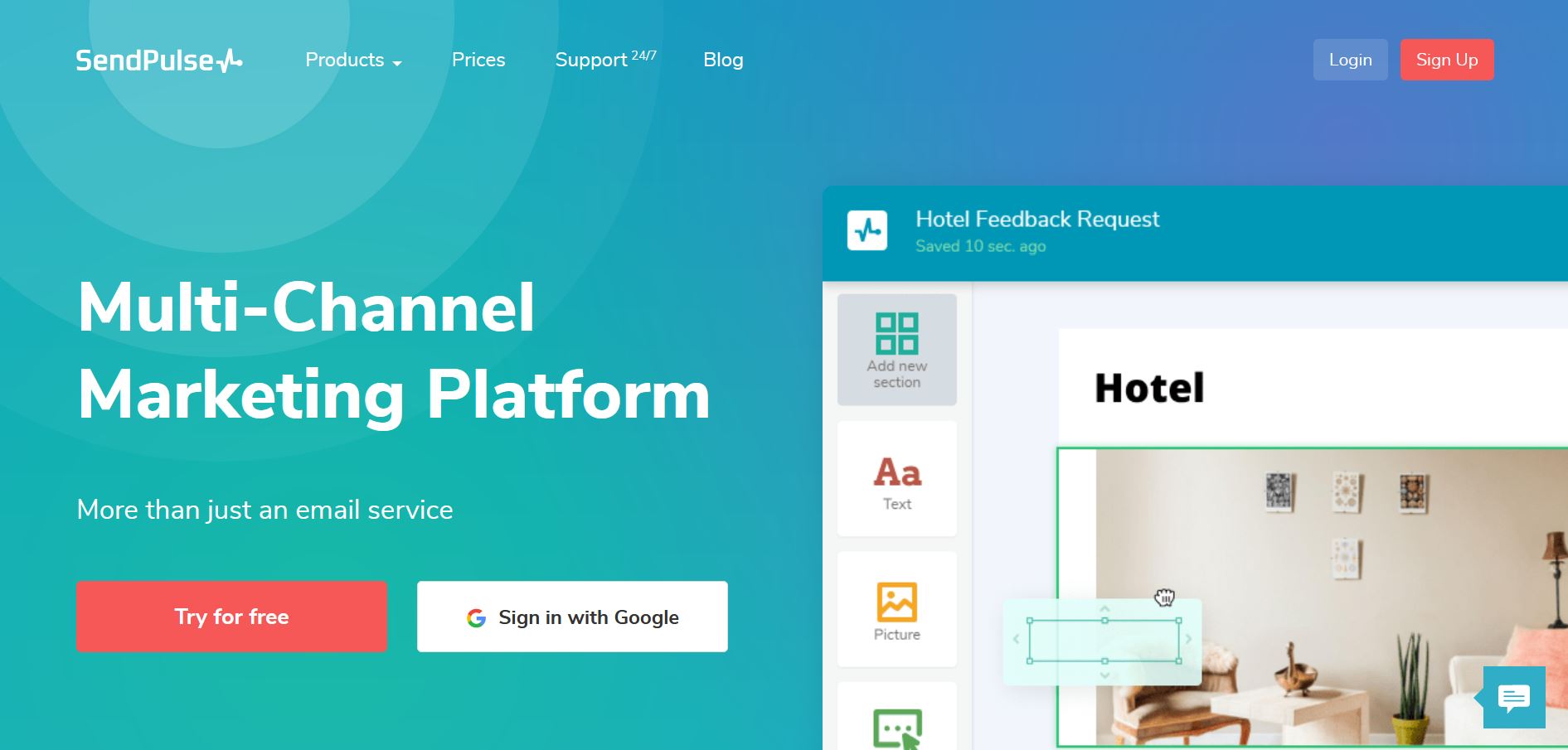
SendPulse takes an integrated approach, letting you run email campaigns, set up web push notifications, and send SMS from one platform.
Its biggest strength is a user-friendly interface that stays approachable even for beginners, so if you are just starting out it is a strong choice. SendPulse also folds in AI to help tailor messages to individual subscribers or segments, which is ideal when you want to send highly targeted material.
The main features you can expect from SendPulse include:
- An intuitive drag-and-drop editor
- A selection of templates that make composing emails easier
- Subscription forms you can embed on any website
- A WordPress plugin for adding forms and collecting emails
- Flexible pricing across monthly-subscription, pay-as-you-go, and VIP tiers
Pros
- A generous free plan for both subscriber count and monthly sends
- Pricing that tends to undercut comparable providers
- AI features that lift campaign efficiency
- Email preview before you send or queue a message
Cons
- A relatively limited number of templates
- Emails to Gmail addresses sometimes land in the wrong tab
- The sending system can lag briefly after you update a list
5. Benchmark
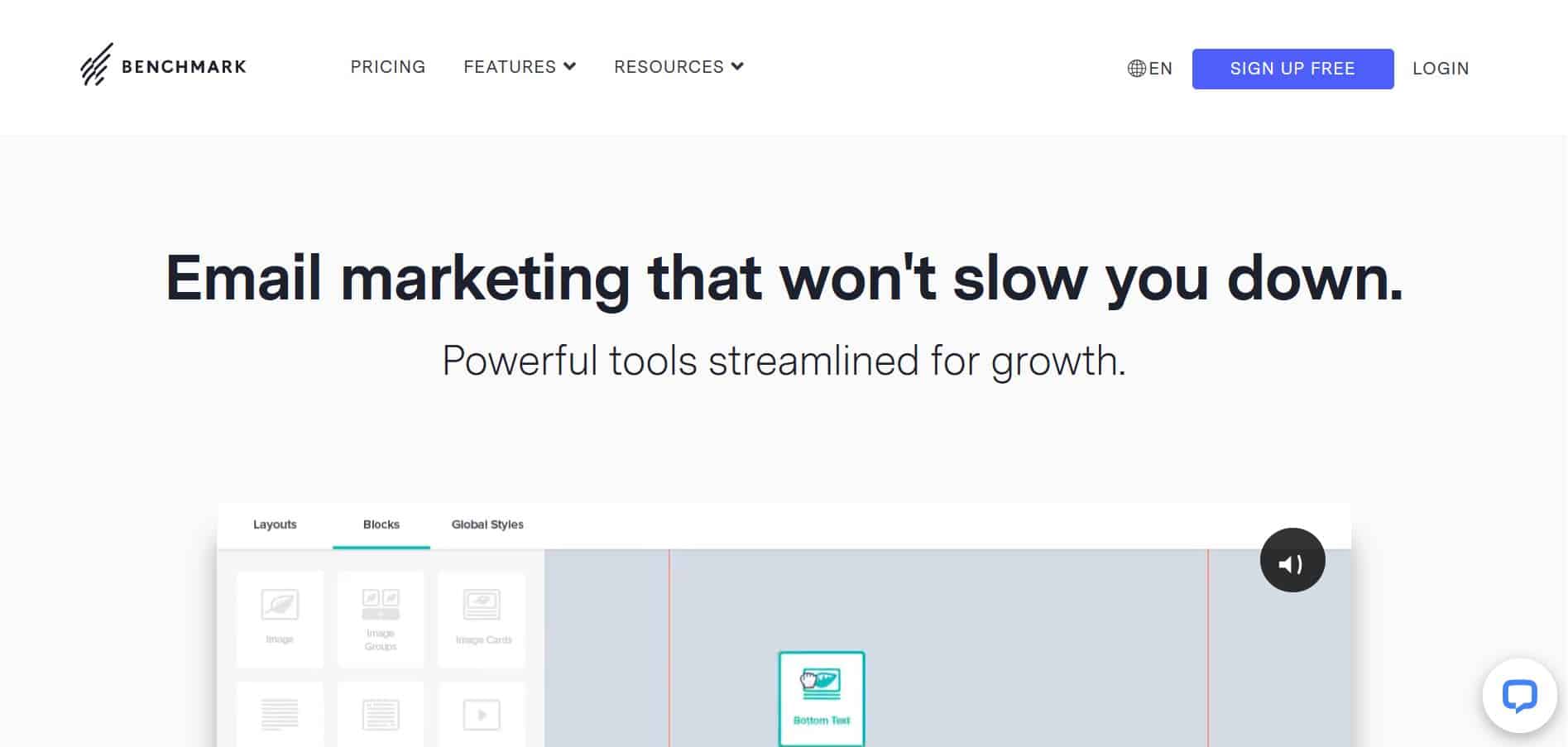
Benchmark sets out to be a simple but powerful email marketing tool, and it delivers. Its interface strips back the clutter you find on many rivals, which keeps it clean and easy to navigate.
Benchmark stands out for its free email automation, letting you trigger emails based on certain events. More advanced triggers, such as abandoned carts or specific website visits, require a paid plan. It also offers a wide selection of templates to get you up and running quickly.
Its free plan includes a modest monthly send allowance, so heavier senders will need a paid tier, which scales with your subscriber count.
Pros
- An easy-to-use editor with a few elements you will not find elsewhere
- Plenty of high-quality, mobile-responsive templates, with live responsive preview as you edit
- Support for recurring and date-based autoresponders
- A/B testing that holds its own against comparable tools
- Forms that integrate with WordPress, Facebook, and other platforms
Cons
- Limited personalisation options
- No dynamic-content sending
- Common triggers like abandoned cart are paid-plan only
- Occasional deliverability hiccups with Gmail and Outlook
- A small image-storage allowance that is impractical for many use cases
Related: Best alternatives to MailChimp