Every small business owner needs to keep the books in order, and the right software turns that chore into something close to painless. Below are our picks for the best accounting and bill-pay software for small businesses in 2026, from a genuinely free option to premium platforms built to scale as you grow.
Best Accounts Payable/Receivable for SMBs: Melio
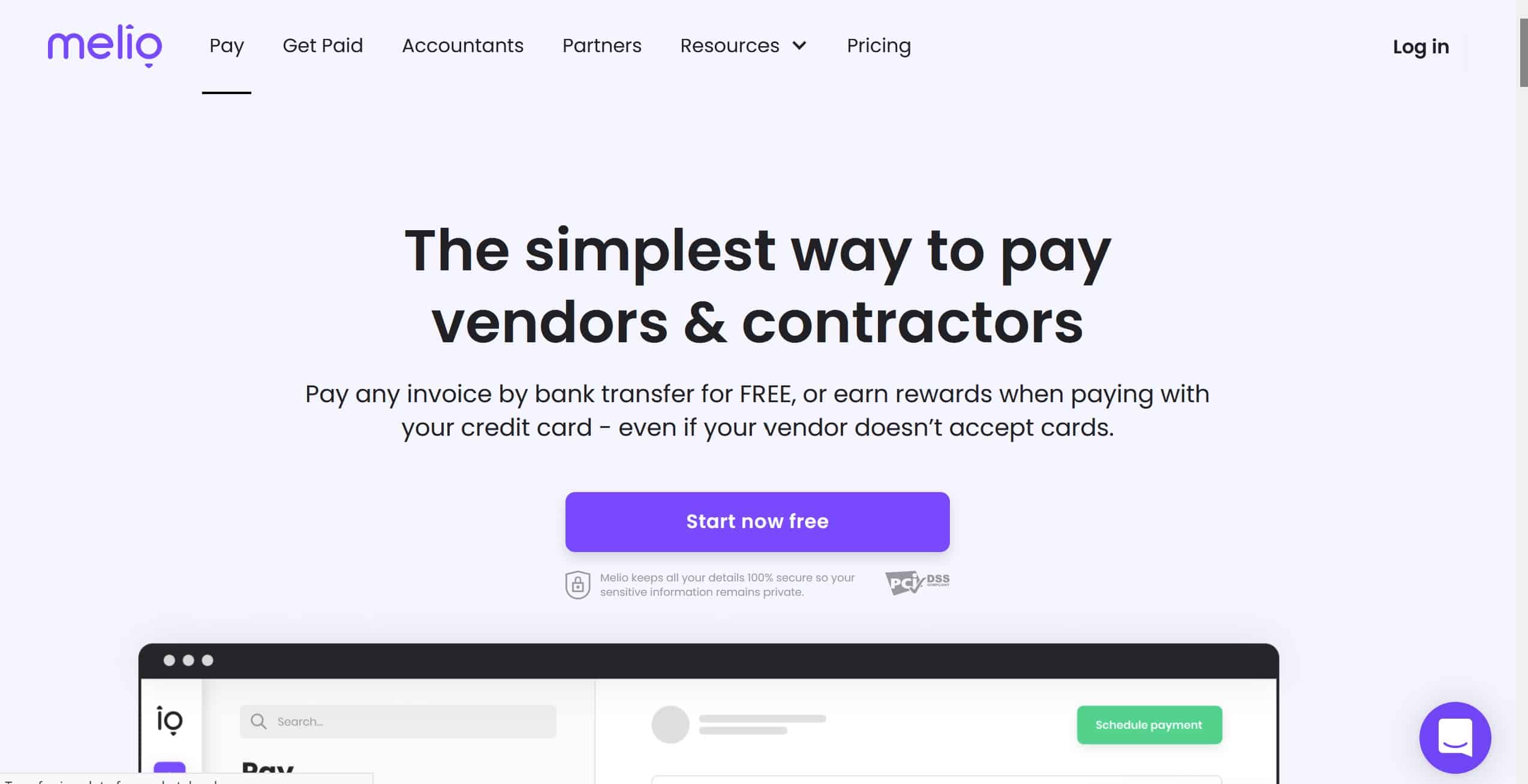
Paying bills is rarely the highlight of running a business. Melio is an easy-to-use online accounts payable tool that simplifies bill payments, helps you manage cash flow, and keeps everything in one place.
Melio gives you flexible ways to pay: bank transfers and debit cards are free, and you can also put a bill on your credit card (for a small fee) even when the recipient does not normally accept cards. That lets you buy what you need now, defer the cash outflow, and hold on to working capital longer. You can also schedule payments in advance so money leaves your account at exactly the right moment.
Best of all, Melio integrates with QuickBooks Online and syncs with other accounting software, so receipts, invoices, and payments stay organized without double entry.
Features
- Track and manage every payment online from your phone, tablet, or laptop.
- Free ACH and debit card payments.
- Pay by credit card even where cards are not normally accepted (fee applies).
- Defer payments to improve your cash flow.
- Schedule and pay multiple bills at once to save time.
- Seamless sync with QuickBooks Online and other accounting tools.
Price: No subscription or monthly fees; the core features are free, and Melio only charges for premium transaction types such as credit card payments.
Pros
- Free ACH and debit transactions.
- Use a credit card even where cards are not usually accepted.
- Manage payments online from anywhere, at any time.
- Automatic QuickBooks Online sync means you never lose an invoice or miss a payment.
Cons
- No built-in payroll services.
- No inventory tracking.
Best for Invoicing: FreshBooks
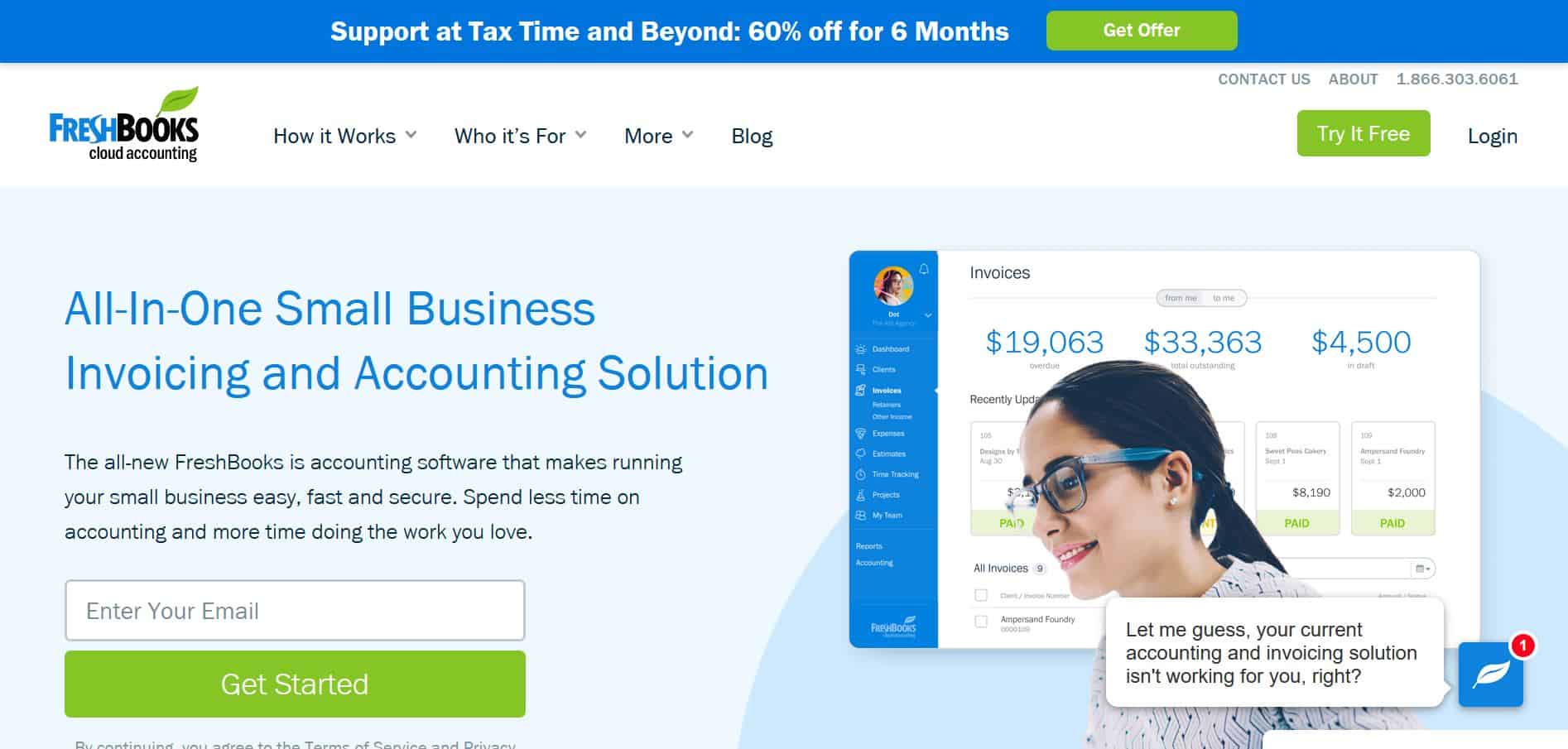
One of our favorite things about FreshBooks is how simple it is to use. The interface is clean and approachable, and generating a polished, customized invoice from your phone, tablet, or laptop takes only a few taps. Even the entry-level plan unlocks the core invoicing and expense features most freelancers and new businesses need.
The main trade-off is that lower-tier plans cap the number of billable clients you can store at once. You can send unlimited invoices to each client, but if your client list grows you will want to move up to a plan that supports more of them. That structure suits freelancers and newly opened businesses well, with a clear upgrade path as you scale.
FreshBooks is also a strong tool for tracking your finances over time. In a few clicks you can see detailed breakdowns of income, spending, and profit, and adjust each report to whatever period you want so you can compare performance month over month.
Features
- Easily customizable invoices.
- Automated payment reminders sent to clients.
- Automatic late fees applied where appropriate.
- Let clients pay by credit card straight from the invoice.
- Recurring invoices for your regular clients.
- Expense tracking with receipt capture from your phone camera.
Price: Plans start at an affordable entry-level monthly rate, with a 30-day free trial.
Pros
- Every plan includes time tracking and expense tracking.
- Excellent value for the feature set.
- Invoices, estimates, and other documents are easy to customize.
Cons
- Lower-tier plans limit how many clients you can store.
- No native inventory tracking, though some third-party integrations help.
Most User-Friendly: QuickBooks Online
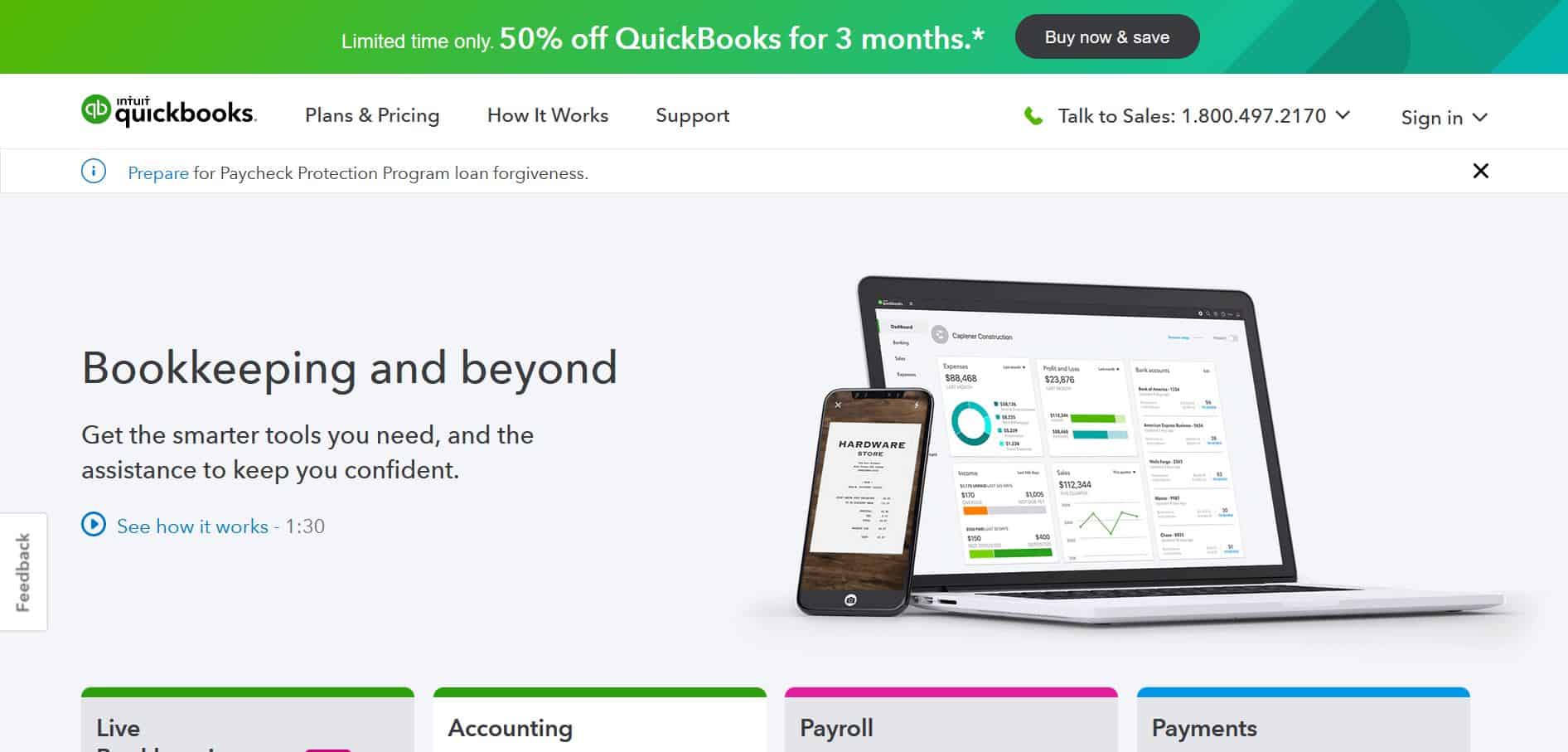
For many people, QuickBooks simply is small business accounting. It remains one of the most prominent names in the industry, and for good reason: QuickBooks ticks nearly every box and delivers an exceptional user experience.
As a cloud-based platform, QuickBooks works on any device with an internet connection, and its mobile apps are genuinely good, which is rarer than it should be in this category. Where many companies treat the app as an afterthought, QuickBooks makes it a first-class way to manage your books on the go.
Given the brand strength and quality, QuickBooks charges a premium relative to its competitors. If your budget allows, it will comfortably handle almost anything you throw at it. If you are working to a tight budget, it may be more than you need.
Two gaps worth noting are native inventory tracking and payroll, which are limited. There is some third-party integration to fill those needs, so check compatibility if either is essential to you.
Features
- Track income and expenses with receipt photos attached to transactions.
- Automatically sort transactions into the right tax categories.
- Send professional, customizable invoices.
- Support for partial, recurring, and standard invoices.
- Sort expenses by tax deduction.
- Run detailed reports on your business finances.
Price: Mid-tier monthly pricing, with a 30-day free trial.
Pros
- The go-to choice for many small businesses and consistently highly rated.
- Comprehensive, easy-to-use toolset.
- Detailed financial reporting.
- Strong tracking features at every plan level.
Cons
- More expensive than most competitors.
- Inventory tracking and payroll are relatively weak.
- Customer service is a known soft spot.
Third Place: Sage
Sage is one of the best-known accounting solutions, popular with sole traders, small businesses, and accountants alike. You can use it to manage cash flow, sales, and taxes, and it makes reporting noticeably smoother. It is a multi-function platform that serves businesses of many sizes.
Sage also offers more advanced capabilities for when you are ready to scale, including inventory management, credit card processing, and module-level security. Mobile apps are available across Android and Apple devices, and Sage integrates cleanly with other productivity tools such as Microsoft Office.
As a long-standing market leader, Sage is often a business's first choice, though it can be less intuitive if you have no prior accounting experience. If you want a capable package you can grow into, it is a solid pick.
Features
- Cloud-based access.
- Works across multiple devices, including smartphones.
- Easy collaboration.
- Built-in business compliance features.
- Strong customer support via 24/7 Sage Advisor.
- Helpful third-party integrations.
Price: A free trial is available, and plans are billed monthly. Pricing scales with the number of users and the tier you choose, from an entry-level Pro plan up through Premium and Quantum.
Pros
- Customizable reports.
- Multi-user support.
- Works remotely across a wide range of devices.
- Highly scalable.
- Automatic accounting checks.
- Excellent security.
Cons
- Can be tricky to set up.
- Pricey for very small businesses.
- Journal entry workflow is inefficient.
Most Affordable: Wave
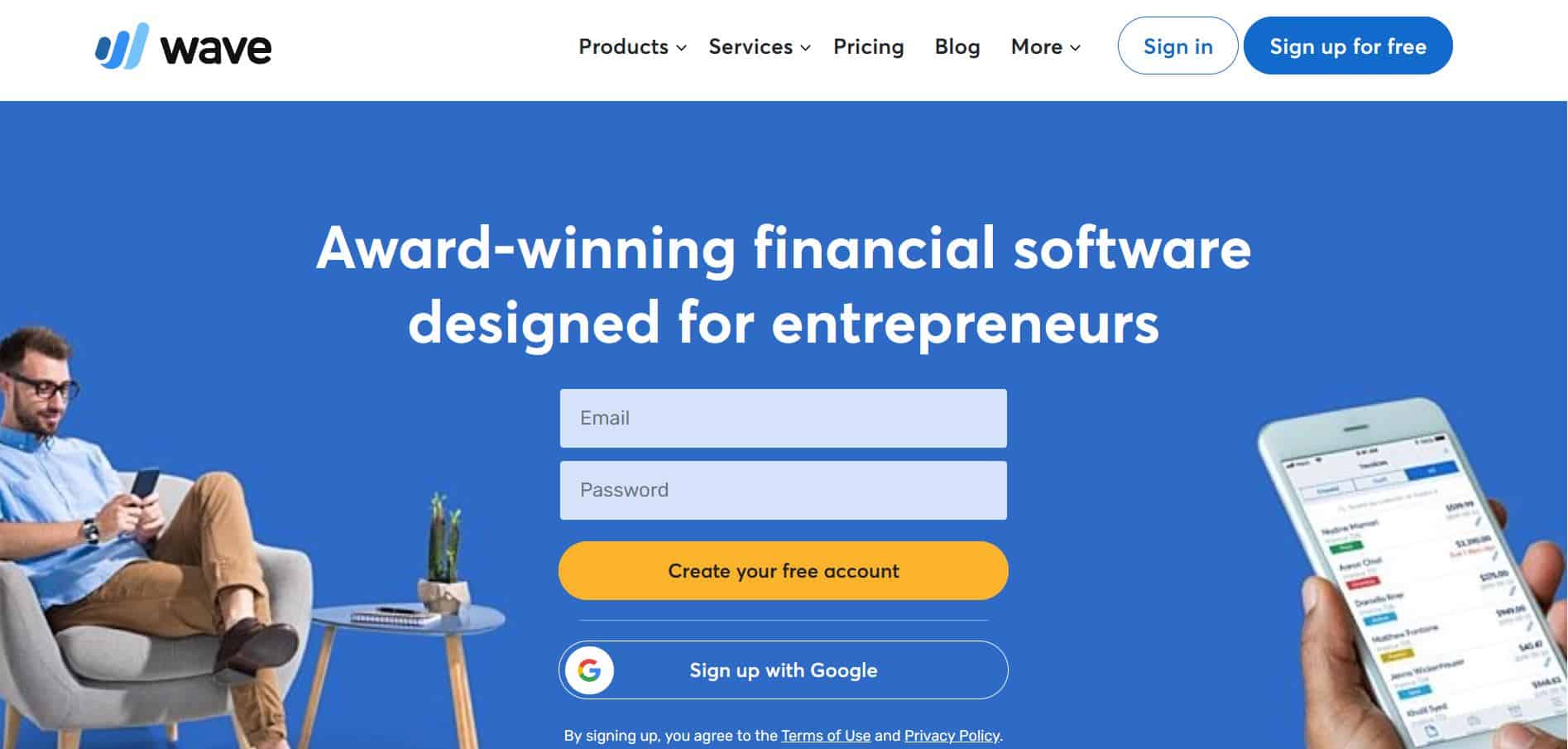
You cannot beat free, and Wave is the rare case of free software without a catalog of catches or embedded ads. It is a genuinely free accounting solution that small businesses can lean on heavily.
Despite charging nothing for its core service, Wave greets you with a friendly dashboard and a slick interface that makes its features easy to navigate. Many of the tools it includes for free are locked behind premium tiers elsewhere.
Wave also lets you manage multiple businesses from one account, which is ideal for a freelancer juggling a couple of side gigs. If you sell on a marketplace on the side of your main service work, you can track both sets of books in parallel.
Features
- Comprehensive billing and invoicing.
- Track investments alongside invoices.
- Clear, digestible financial reports.
- Multi-currency invoicing and payroll support.
- Personal budgeting tools alongside business ones.
- Receipt scanning for easy expense tracking.
Price: Free, with reasonably priced add-ons such as payroll.
Pros
- Free, yet still covers the essentials a small business needs.
- Affordable add-on payroll.
- Manage multiple businesses from a single account.
Cons
- No inventory tracking.
- Limited third-party integrations.
- Only one plan tier for the core product.
Best Automation: Zoho Books
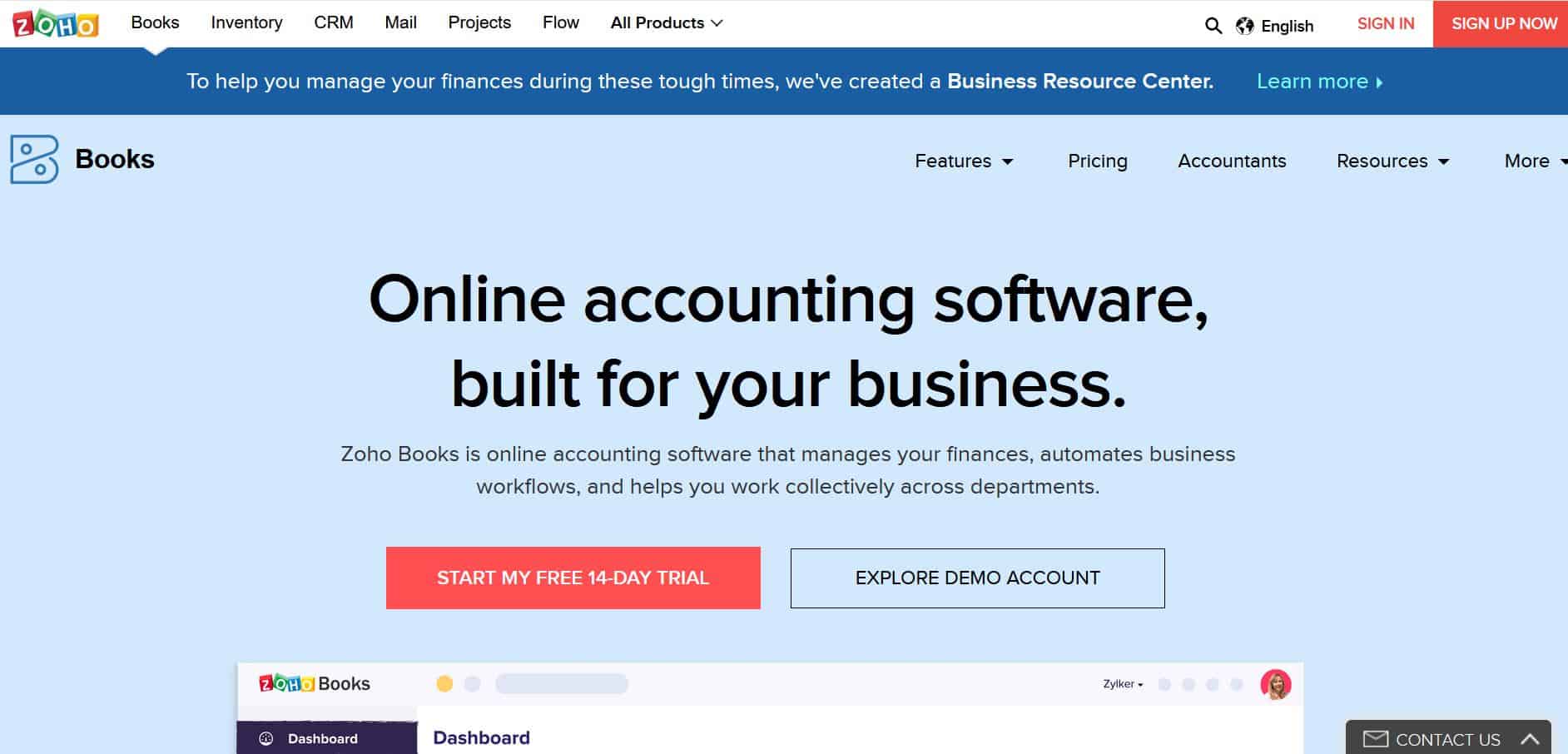
Bookkeeping is essential but rarely fun. The good news is that much of it can be automated, freeing up time you would otherwise spend on admin. Zoho Books is built to do exactly that.
Zoho makes it easy to automate your accounting workflows and speed up end-of-day reconciliation. Automatic customer reminders are especially handy when you are staying on top of many clients at once. If you already use other Zoho apps, the integration between them is excellent. The one notable gap is payroll, where Zoho's own coverage is limited.
Features
- Customized invoices clients can pay directly.
- Professional quotes you can convert into invoices.
- A client portal that simplifies collaboration and communication.
- Receipt scanning for accurate expense tracking.
- Bill generation to track what you owe.
- Automatic bank transaction imports once your account is linked.
Price: Affordable entry-level monthly pricing, with a 14-day free trial.
Pros
- Every plan includes automation tools.
- Client portals make collaboration easy.
- Low entry-level pricing.
Cons
- Native payroll support is limited to a few regions.
- Integrates best with other Zoho products, less so with third-party apps.
- Slightly steeper learning curve than some rivals.
Accounting Software FAQ
What is the best accounting software for a small business?
It depends heavily on what your business does and, above all, on your budget. The more you can spend, the more options open up, but a modest budget does not mean settling for weak software. It just means choosing more carefully. Match the tool's strengths to how you actually work.
Everyone talks about QuickBooks. Is it the best choice?
QuickBooks is usually the first name that comes to mind, and it offers the most user-friendly experience among the major options. It has become the default for a reason. That said, there are several excellent alternatives, and the best fit depends on your needs. QuickBooks is the safe pick for most "average" small businesses; more niche or specialized operations should weigh a wider range of options.
What is the best free accounting software available?
If you are on a very tight budget, Wave is the free option we would look at first. It costs nothing and still includes the features most small businesses need to keep their books in order. Beyond Wave, tools like Zoho Books' free tier are also worth a look for lean operations.
Will my accounting software also handle payroll?
Most mainstream accounting tools integrate with existing payroll systems, often even when a different company built the payroll software. QuickBooks, Xero, and FreshBooks all sync with Gusto, one of the most popular payroll platforms. QuickBooks also offers its own paid payroll add-on, though a dedicated service like Gusto that integrates with it is often the better value.
Should I also hire a professional accountant?
Managing your own books makes sense while your business is small and easy to keep on top of. It keeps you informed about your financial health and saves the cost of hiring out. As you grow, though, bringing in professional help becomes almost inevitable. Good software makes DIY bookkeeping far easier, but remember that the consequences of poor bookkeeping are serious and can carry legal and financial penalties.
The right accounting software makes a real difference to any small business. Your needs will change as you scale, and you may switch providers along the way, but most of these platforms are highly scalable, so you can simply upgrade as you go. Every option in this guide delivers a strong user experience with the tools you need to keep your finances in order.
To learn more about us, visit our About page.