Call recording software is essential for any business that wins clients through inbound or outbound calling, or that runs a call center for customer service. In today's competitive landscape, the quality of every interaction is what convinces customers to keep coming back, and the companies that deliver the most meaningful conversations tend to earn not only repeat business but genuine brand advocates. Reviewing past conversations between your agents and your customers is one of the best ways to sharpen your service strategy, spot trends and figure out exactly what to improve. To do that well, you need solid call recording software. Here are some of the best solutions to consider in 2026.
1. CallRail
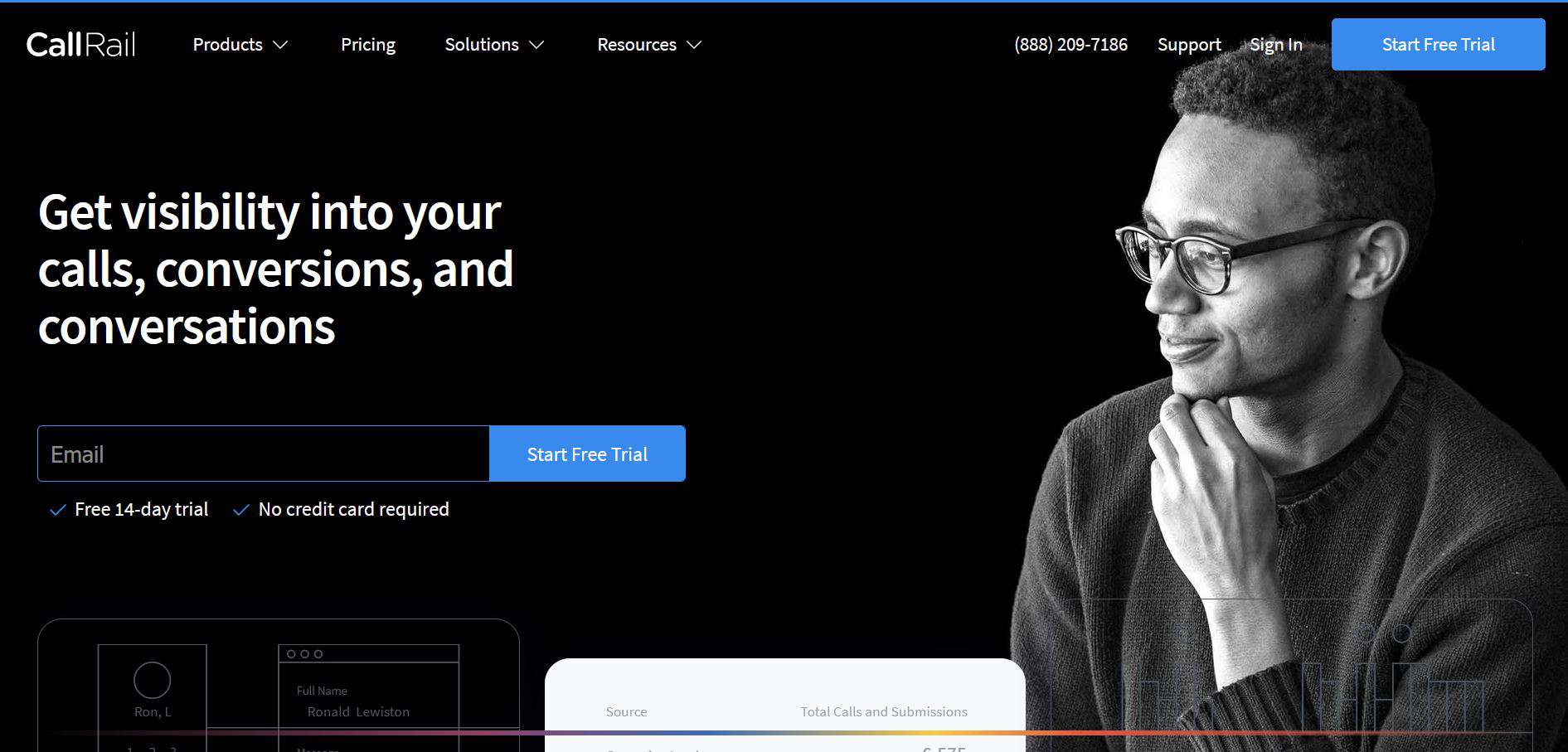
CallRail is built for small and medium businesses, sales teams and data-driven marketers.
Why choose CallRail?
CallRail gives marketers who depend on quality inbound leads complete visibility into what's driving results. It's ideal for teams that need a clear, concise view of their digital marketing performance. The platform surfaces and connects data from calls, web chat, forms and more, so your business has everything it needs to analyze trends, learn what works, decide where to make changes and get better outcomes from its phone-based marketing.
Top features:
- Call tracking
- Call recording
- Call routing
- By-extension reporting
- Call volume analytics
- Inbound and outbound reporting
- Call sharing and archiving
- Distributed call recording
- Caller identification
- Conversion tracking
- Voice recognition and keyword tracking
- Campaign and activity tracking
Pricing: Plans start around $45 per month, with a 14-day free trial for new users.
Pros
- Excellent support
- Powerful call tracking
- Easy report generation and sharing
Cons
- Limited outbound calling features
- No auto-dialer
- Call transcription could be improved
2. RingCentral
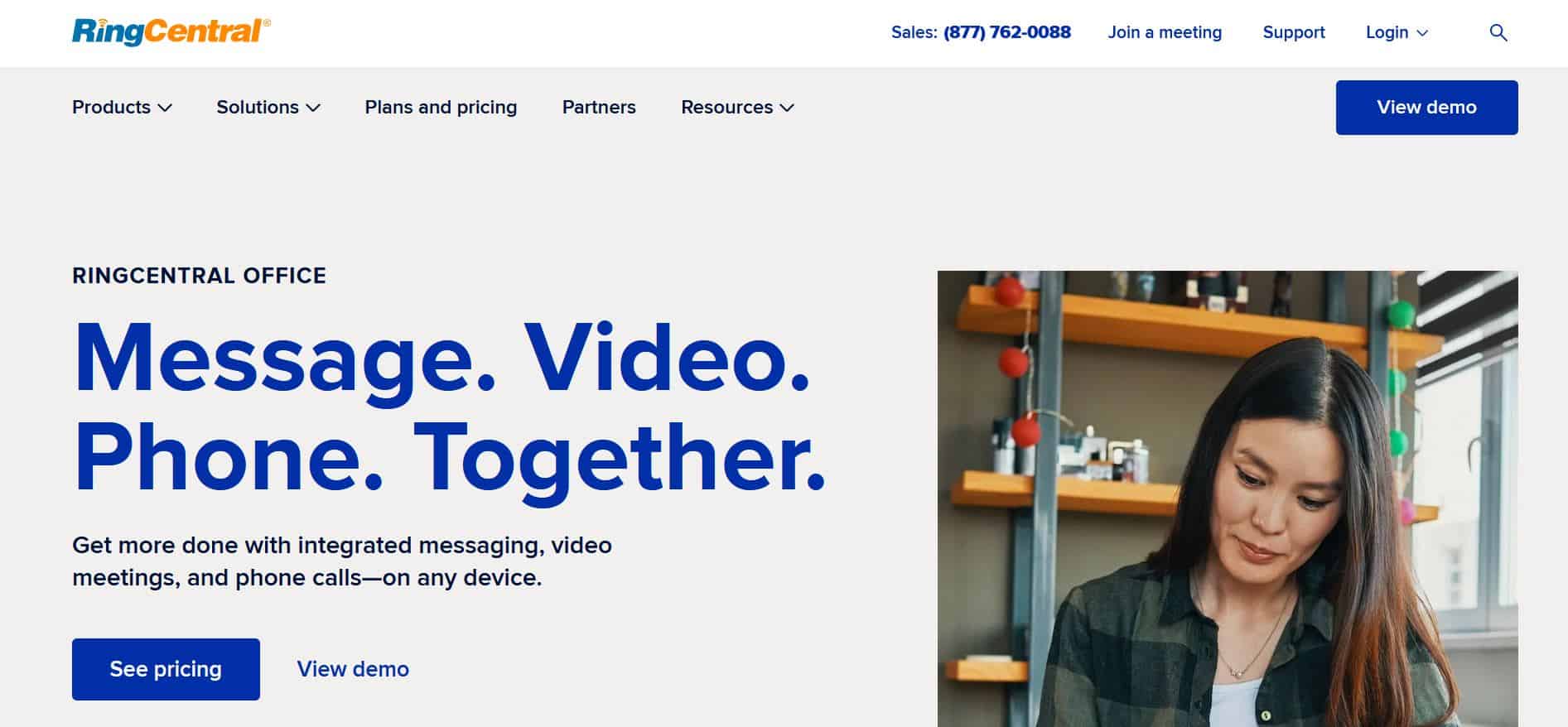
RingCentral is a powerful, cloud-based phone system designed to help you optimize business communications.
Why choose RingCentral?
RingCentral provides enterprise-grade communication tools, including voice, video, fax and text. It supports bring-your-own-device (BYOD) setups and makes it easy for you and your team to work from anywhere. Setup is straightforward through a web management interface that lets you create and maintain user extensions, configure auto-attendant services, and add phones, devices and company information.
Key features:
- Call monitoring, recording and routing
- Call logging
- Voice recognition
- Employee directory
- Virtual call center
- Mobile access and web conferencing
- Call parking and contact management
- Encryption and unified communications
- Voice quality enhancement and ring groups
- Event-triggered, scheduled and on-demand recording
- Instant retrieval and recording bookmarking
- Video call and screen-activity recording
Pricing: Plans start around $20 per user per month, with a free trial available.
Pros
- Deep set of VoIP and collaboration features
- Easy-to-use interface
- Network infrastructure across the US, Europe and Asia
Cons
- The workflow could be more intuitive
- Hardware comes at an additional cost
3. CloudTalk
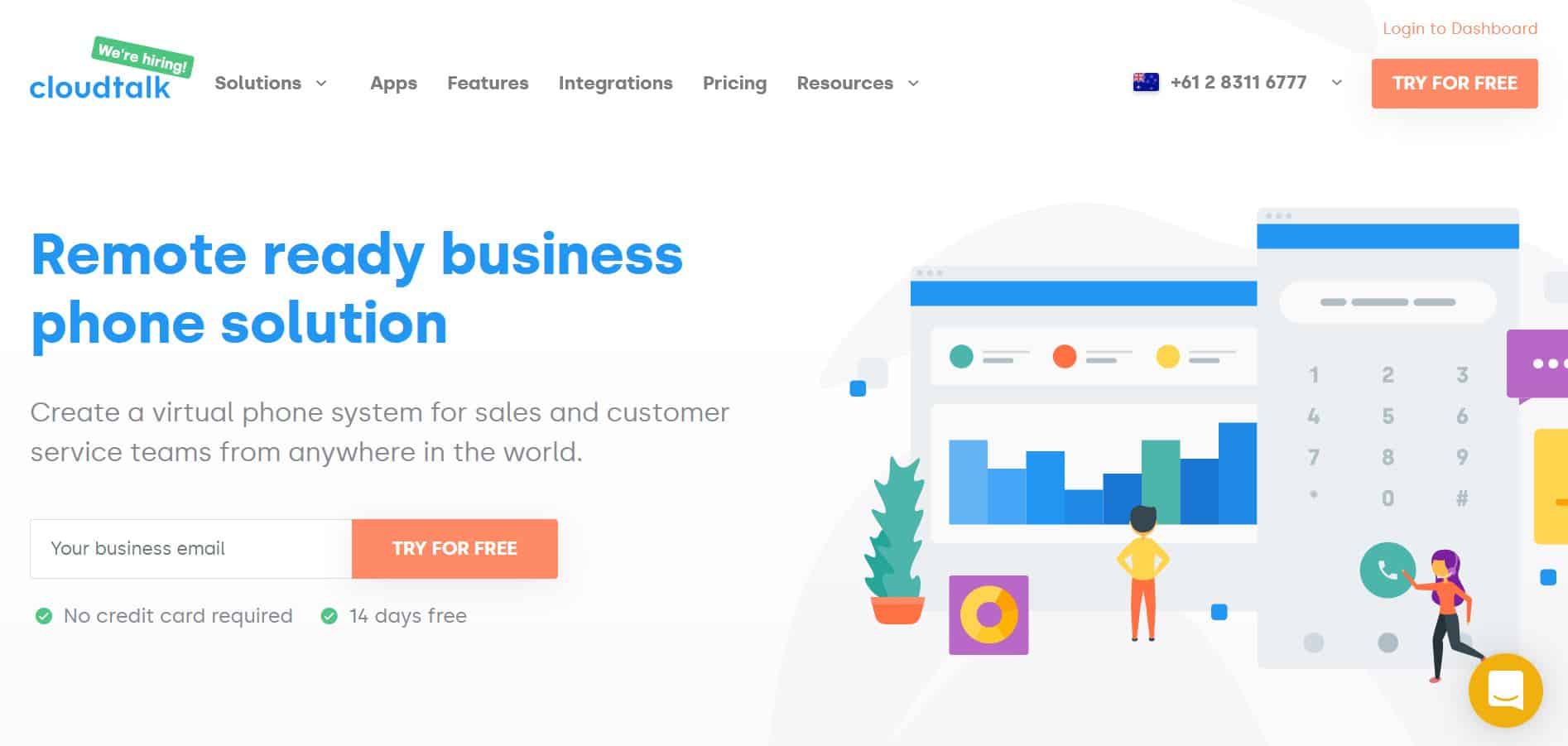
CloudTalk is built for a wide range of phone-based functions, including call centers, inbound and outbound sales teams, internal phone systems and customer support.
Why choose CloudTalk?
If you're after smart call center software, CloudTalk is a new-generation, cloud-based phone system that suits startups, small and medium businesses, online stores and call centers alike. It offers dozens of integrations with popular helpdesk, CRM and eCommerce tools, including Pipedrive, Salesforce, Shopify and Intercom. It is one of the fastest-growing call center solutions, working with thousands of companies worldwide, among them well-known names like Kärcher and DHL.
Key features:
- Call center management
- Call reporting and recording
- Call scripting
- Predictive dialer
- Call monitoring
- Mobile access and call routing
- Voice recognition
- Virtual call center
- Web conferencing and encryption
Pricing: Plans start around $15 per month and scale with the number of agents. A free trial is available.
Pros
- Handles large call volumes with ease
- Flexible to use anywhere across multiple devices
- Strong visibility across call activity
Cons
- Setup can be tricky for inexperienced users
- Some users report occasional bugs
4. LiveAgent
LiveAgent works for any business, from small startups and solopreneurs to large enterprises.
Why choose LiveAgent?
LiveAgent is a top-rated, widely reviewed help desk platform for small and medium businesses. It's designed to keep you on top of every customer request and conversation, and it boasts one of the fastest live chat widgets on the market. The web-based helpdesk combines real-time live chat, built-in call center capabilities, a universal inbox and a strong customer service portal. It ships with hundreds of features, including dozens of CRM and eCommerce integrations plus advanced automation, and it's used by major companies around the world such as Huawei, Yamaha and BMW.
Key features:
- Call logging, scripting and recording
- Voice recognition
- Blended call center
- Campaign management
- Inbound and outbound calling
- Manual dialer
- Real-time live chat
Pricing: Plans start around $15 per user per month, with an all-features tier near $39 per user per month. A free version and free trial are available.
Pros
- Excellent live chat and self-service options for customers
- Hundreds of integrations, including WordPress, Mailchimp and Google Analytics
- Works on all devices
Cons
- Call-ticket creation could be improved
- The mobile app could be better
5. VirtualPBX
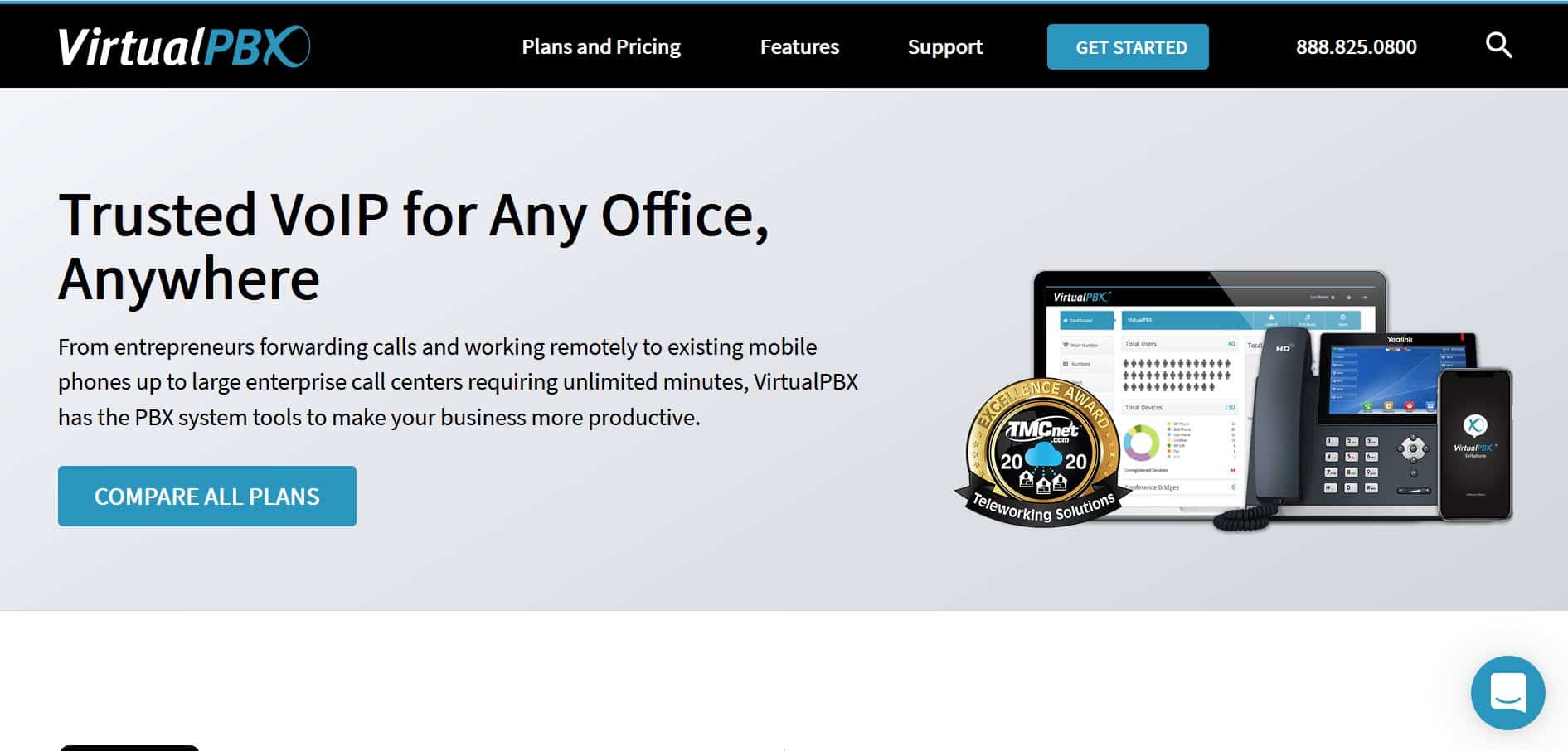
VirtualPBX is a call center solution built for businesses of any size, in any industry, anywhere.
Why choose VirtualPBX?
With some of the lowest prices in the industry, VirtualPBX lets you upgrade your business phone system without adding complexity. Its interface is fast, simple and intuitive, putting modern features at your fingertips while saving time and money. You can get a phone system running in minutes, and support is unrivaled, with 24/7 phone access to experts 365 days a year.
Key features:
- Call recording, logging, routing and monitoring
- Mobile access
- Virtual call center
- Employee directory
- Call parking and contact management
- Unified communications
- Voice quality enhancement
Pricing: VirtualPBX offers some of the best pricing on the market, starting around $10 per month, with a free trial available.
Pros
- Easy to set up, ideal for new owners and less-experienced users
- Integrations with popular tools like Zapier, Dropbox and Salesforce
- Excellent support from VirtualPBX experts, available at all times
Cons
- Some users report occasional bugs
- Reporting functionality could be improved
Whether you reach out to leads by phone, give customers a way to contact you for help, or run voice and video conferences, choosing the right call center software is essential to your success. The best solution should meet all of your customer-communication needs while giving you the means to analyze call trends and determine how sales and service can be improved to boost loyalty and enhance the overall experience.
Carefully weigh every feature your business needs before settling on the right platform for you.