Choosing where to host your website is one of the first real decisions you make when you put something online, and it shapes everything that follows: how fast your pages load, how reliably they stay up, and how much support you get when something goes wrong. Canada has a healthy market of hosting providers, from home-grown companies with local data centres to global names with a Canadian presence. Below we break down the strongest options for 2026, with the features, pros and cons, and pricing you can expect from each.
1. Best Canadian Web Host: GreenGeeks

GreenGeeks is an easy first pick for small Canadian companies, bloggers, and individuals. Its range of shared plans is generous, and it also offers dedicated servers, VPS hosting, reseller hosting, and managed WordPress hosting. The platform is fast and reliable, built on current technology, and marketed heavily on its environmentally friendly, carbon-offset infrastructure.
Key features
- Enhanced, built-in security
- WordPress optimisation and acceleration
- One-click WordPress installation
- Generous, effectively unlimited disk space on higher tiers
- SSD storage across the board
If you cancel within the first thirty days, GreenGeeks offers a full money-back guarantee, which makes it an easy provider to try without committing to a long contract. Any money you have paid toward the hosting plan is refunded, though this does not extend to domain names or other extras added on at sign-up.
GreenGeeks backs its service with an uptime commitment and credits customers for downtime caused by unscheduled maintenance or other faults, scaled to the length of the outage and the plan you are on. It advertises a 99.9% uptime target and notifies customers ahead of any scheduled maintenance.
Support is one of its strengths, with telephone, email ticketing, and live chat all available. Ticket replies typically arrive within 30 to 40 minutes, and live chat is faster still.
GreenGeeks runs data centres in Montreal (Canada), Phoenix and Chicago (USA), and Amsterdam (Netherlands). You choose your data centre location when you place an order.
Pros
- Strong security that helps keep a WordPress site healthy and search-friendly
- LiteSpeed LSCache plugin for WordPress
- Website data and files stored on solid-state drives (SSD)
- Automatic WordPress core and plugin updates
Cons
- Renewal rates are typically two to three times the promotional introductory price
Representative plans
Pricing shifts frequently, so treat these as a guide and check current rates before you buy. Entry-level shared plans start around a few dollars a month:
- Standard — one website, unlimited email accounts
- 2x Performance — unlimited websites, unlimited email accounts
- 4x Performance — unlimited websites, unlimited email accounts, extra speed
2. Top Web Host in Canada: HostPapa

HostPapa is a Canadian provider offering shared, VPS, reseller, and WordPress hosting. Among its more useful touches is integration support for Microsoft 365 and Google Workspace. Its support team is responsive and helpful with almost any technical issue you run into.
Key features
- 30-day money-back guarantee
- cPanel control panel
- Free migration of an existing website
- Optimised for performance and speed
- Reliable, modern server hardware
HostPapa offers a full refund if you cancel within the first thirty days, so you can try the service with no financial risk. Support runs 24/7 and is reachable through live chat, telephone, or email ticket.
The provider commits to 99.9% uptime, and you may be entitled to account credit if uptime drops below that through no fault of your own and outside of planned maintenance. Notifications are sent ahead of any expected downtime.
HostPapa operates data centres across Toronto (Canada), Los Angeles and Chicago (US), France, Germany, Spain, the United Kingdom, Hong Kong, India, Singapore, Australia, and New Zealand. You select your data centre at checkout.
Pros
- Secure, reliable business email included
- A broad set of easy-to-use apps and management tools
- 30-day money-back guarantee
- Free domain with the basic shared plan
Cons
- Renewal pricing is considerably higher than the introductory rate
Representative plans
- Starter — two websites, 100GB SSD storage, unmetered bandwidth
- Business — unlimited websites, unlimited SSD storage, unmetered bandwidth
3. A Strong Web Hosting Option in Canada: SiteGround

SiteGround is a well-regarded option for Canadian sites, offering shared hosting, cloud hosting, and managed WordPress hosting. Its interface makes site building approachable even for beginners, and it bundles a solid set of management tools.
Key features
- Fast page load times
- Highly rated customer support
- Free daily backups
- Easy Git integration
- Collaboration and staging tools
- Fast servers
SiteGround offers a thirty-day money-back guarantee on its hosting plans, giving you a risk-free window to try the service and claim a full refund if you cancel in time.
It targets 99.9% annual uptime and offers credit for network failures, with additional free hosting granted for each 1% of uptime lost below 99%. Account alerts cover both scheduled and emergency maintenance.
Support is a genuine highlight, reachable by telephone, live chat, or ticket, with most ticket enquiries connected to an advisor within 15 to 20 minutes.
SiteGround's data centres span Singapore, Sydney, the Netherlands and Frankfurt, London, and Iowa, and you pick your location at checkout.
Pros
- Optimised for WordPress and other PHP applications
- Single-click site copy and easy staging
- Host multiple sites on one account
- Dynamic caching
- Automatic backups
- Security managed at both server and application level
- SSD storage with modern PHP and OPcache
Cons
- No free domain with the basic plan
- No site transfer service on the basic plan
Representative plans
- StartUp — one website, free email, ~10GB storage, suited to lower traffic
- GrowBig — unlimited websites, free email, ~20GB storage, higher traffic allowance
- GoGeek — unlimited websites, free email, ~40GB storage, highest traffic allowance
Web Hosting Canada
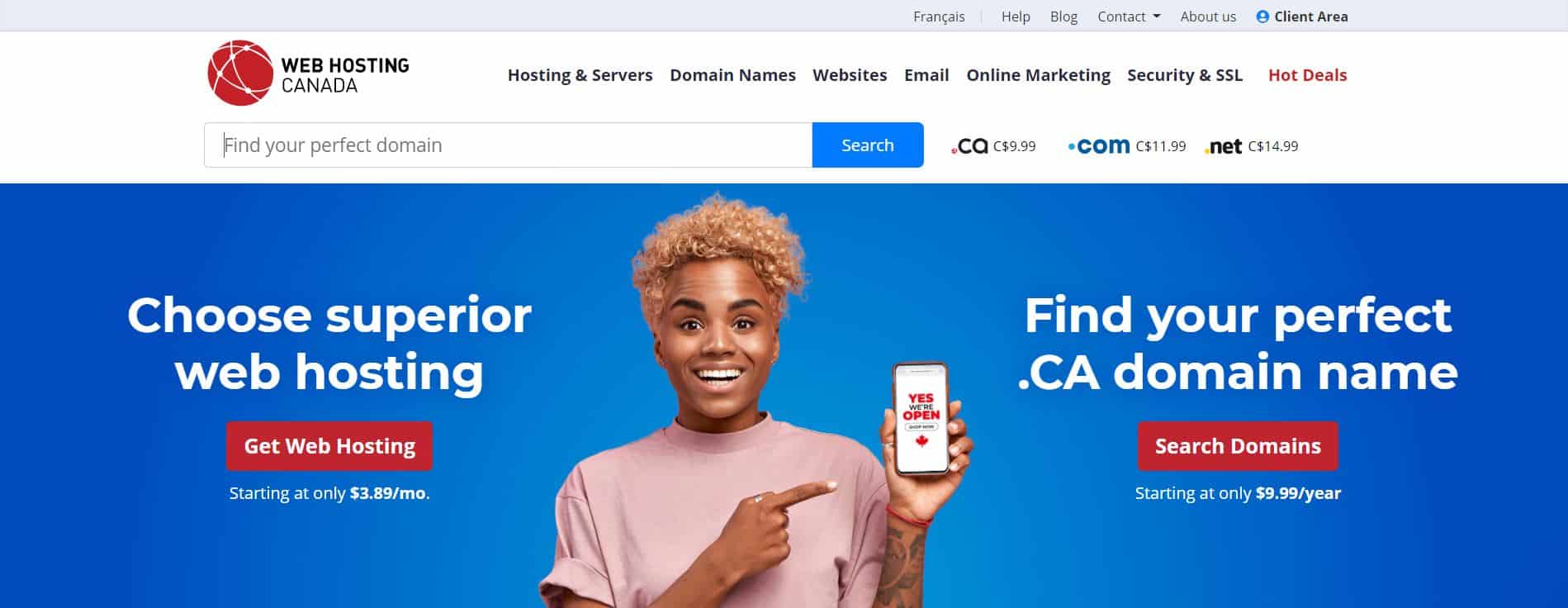
Web Hosting Canada is one of the country's most established hosts and a popular choice for WordPress users, with optimised plans for smooth performance. It also offers email marketing and SEO add-ons, several with no-obligation free trials.
Key features
- Built-in security
- Dedicated cPanel
- Generous disk space
- Free migration of an existing website
- Canadian data-centre geolocation
Web Hosting Canada offers a thirty-day money-back guarantee, so new customers can try the service at no risk and claim a refund if they cancel within the window.
Support is strong, with telephone lines open throughout the day. The company does not promise a fixed response time, but reports that 80% of calls are answered within twenty seconds and most enquiries are handled within six hours.
It offers a 99% uptime guarantee, with account credits available if uptime falls below that outside of planned or emergency maintenance and outside your own account activity. You are notified of any planned downtime in advance.
Servers are located in Montreal and Vancouver, and you choose your data centre at sign-up.
Pros
- One-click WordPress installation
- Solid starter plans
- Generous disk space
- Free Cloudflare integration
Cons
- No SSL certificate included on the starter plans
Representative plans
- Starter — one website, generous disk space
- Pro — unlimited websites, generous disk space
- Enterprise — unlimited websites, generous disk space, more resources
HostUpon
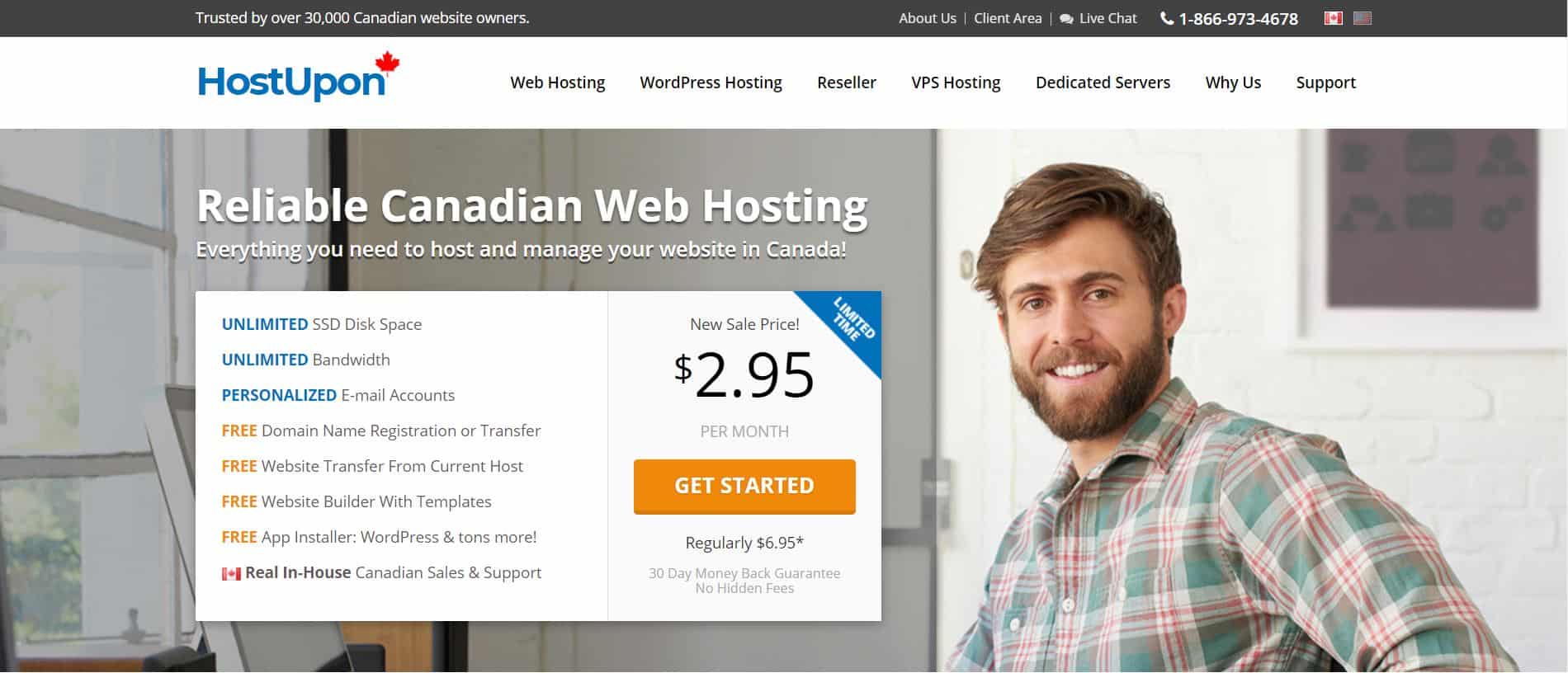
HostUpon is a Canadian host known for affordable, generous plans and is frequently recommended for growing businesses. Its one-click installer sets up WordPress and more than a hundred other applications in a few clicks, and every plan includes a free website transfer.
Key features
- cPanel control panel
- Unlimited websites and disk space
- Personalised email addresses that work with any email client
- Unlimited email accounts
- A free domain name with hosting
- Eco-friendly servers
Like most providers here, HostUpon offers a 30-day money-back guarantee, so you can try it risk-free and claim a full refund if you cancel within thirty days. Support is quick, with responses generally arriving within fifteen minutes.
HostUpon advertises a 99.9% uptime guarantee that also covers network failures. It does not send proactive downtime alerts, however, so you will need to check its status page for any planned or in-progress maintenance.
Its data centres are located in Toronto (Canada) and in Seattle, Washington, and Dallas (US).
Pros
- Free website builder included
- Host unlimited websites on one plan
- Unlimited disk space
- More than 360 apps installable, including WordPress, Drupal, and Joomla
- Free domain name included
Cons
- No daily backups
- Additional features are fairly limited
Representative plans
- Starter — one website, ten email addresses
- Business — unlimited websites, unlimited email accounts
- Premium — unlimited websites, unlimited email accounts, extra performance
Hostinger

Hostinger is secure, affordable, and easy to use, and it is one of the cheapest ways to get online. It offers one-click VPS access and instant setup: once you have registered and paid, your server is ready to go.
Key features
- PHP and MySQL support
- Generous storage and bandwidth
- Global server network
- Optimised for WordPress hosting
- High-speed SSD storage
When you sign up with Hostinger, you can cancel within the first thirty days and receive a full refund on any hosting services purchased in that time. Support is available 24/7 from a global team.
Hostinger claims uptime of up to 99.99%, though this is not contractually guaranteed. It does send downtime alerts for both planned maintenance and emergency work, and its status page tracks the progress of any fix.
Its data centres and servers span the USA, UK, Netherlands, Brazil, Indonesia, Singapore, and Lithuania, and you can choose your server location at sign-up.
Pros
- Free backups and domain names included
- A range of templates, widgets, themes, and add-ons
- Fast servers and reliable uptime
- Free SSL certificate and BitNinja security
- Easy to manage layout, content, and functionality
Cons
- One-click installation is not available on the single shared plan
- SSL setup can be manual
Representative plans
- Single — one website, one email account, ~10GB storage
- Premium — up to 100 websites, unlimited email, ~20GB storage
- Business — up to 100 websites, unlimited email, ~100GB storage
Bluehost
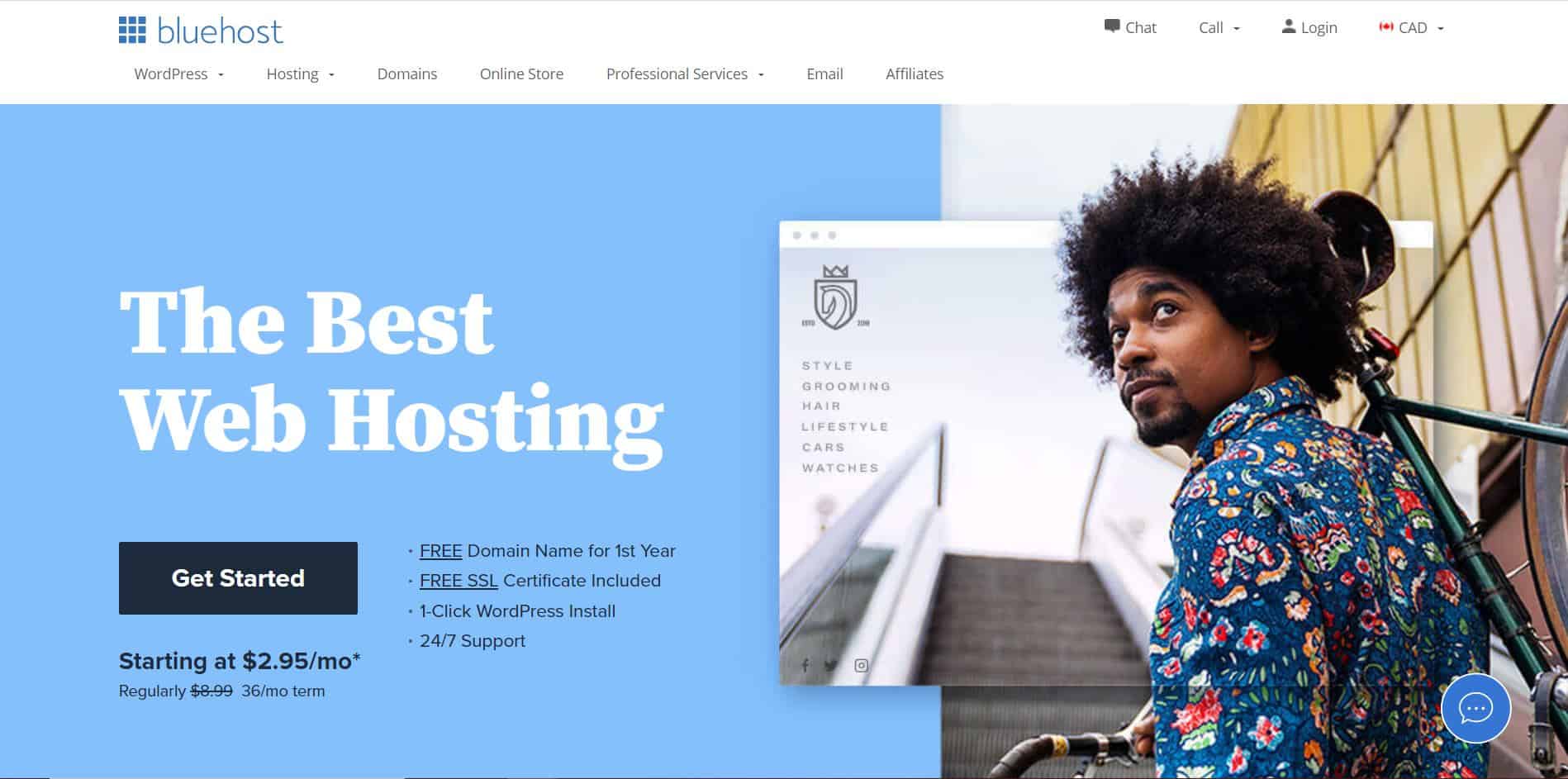
Bluehost is a popular, WordPress-recommended host with plans that suit everyone from individuals and bloggers to small businesses and larger companies. It offers shared hosting, VPS hosting, and dedicated servers.
Key features
- PHP and MySQL support
- Control panel access
- FTP account and File Manager
- SSL certificate included
- Free technical support
Bluehost offers a thirty-day money-back guarantee on its hosting plans, so you can try the service without risk. You can claim a full refund on hosting services from Bluehost if you cancel within thirty days of signing up.
Support is a strong point, with email tickets, telephone, and live chat all available for both general and technical questions.
Bluehost commits to a 99% uptime guarantee, and its real-world uptime rates well against competitors. You are alerted to scheduled or emergency maintenance and any other issue that might cause downtime.
Its data centres include London (UK), Utah and Orem (USA), Shanghai (China), Hong Kong, Mumbai (India), Singapore, and Lithuania. Unlike many providers, Bluehost assigns your data centre automatically rather than letting you choose.
Pros
- Simple, easy-to-use control panel
- WordPress-focused service
- A free domain name for the first year
- No hidden charges
- File Manager and FTP account
Cons
- No support for Windows-based hosting
- No premium tech-support tier
Representative plans
- Basic — one website, ~50GB storage, spam protection, unmetered bandwidth
- Plus — unlimited websites, unlimited storage, spam protection, unmetered bandwidth
- Choice Plus — unlimited websites, unlimited storage, added spam protection, unmetered bandwidth
FastComet

FastComet is a well-regarded host with servers in many locations worldwide, giving users good connectivity wherever they are. It is highly rated for uptime and support.
Key features
- Daily and weekly backups
- Fast, managed website migration on all plans
- cPanel powered
- Free domain transfer
FastComet offers one of the most generous refund windows in the market, with a full forty-five days to try the service risk-free and claim a refund on any hosting products.
Its 24/7 support is among the best-rated of any Canadian-serving host, reachable by ticket or live chat, both of which respond promptly.
FastComet claims 99.99% uptime, though it does not send downtime alerts; you will typically need to check its site or contact support if your site goes down.
Alongside its Toronto data centre, FastComet runs servers in Chicago, Dallas, and Newark (USA), London (UK), Amsterdam (Netherlands), Frankfurt (Germany), Singapore, Tokyo (Japan), Mumbai (India), and Australia. You choose your data centre at checkout.
Pros
- One-click WordPress installations
- Free website migration
- Unlimited email accounts
- BitNinja server security
- Free installs and updates for several apps
Cons
- No dedicated IP option on shared plans
Representative plans
- FastCloud — one website, ~15GB SSD storage, suited to lower traffic
- FastCloud Plus — unlimited websites, ~25GB SSD storage, higher traffic allowance
- FastCloud Extra — unlimited websites, ~35GB SSD storage, highest traffic allowance
Kinsta
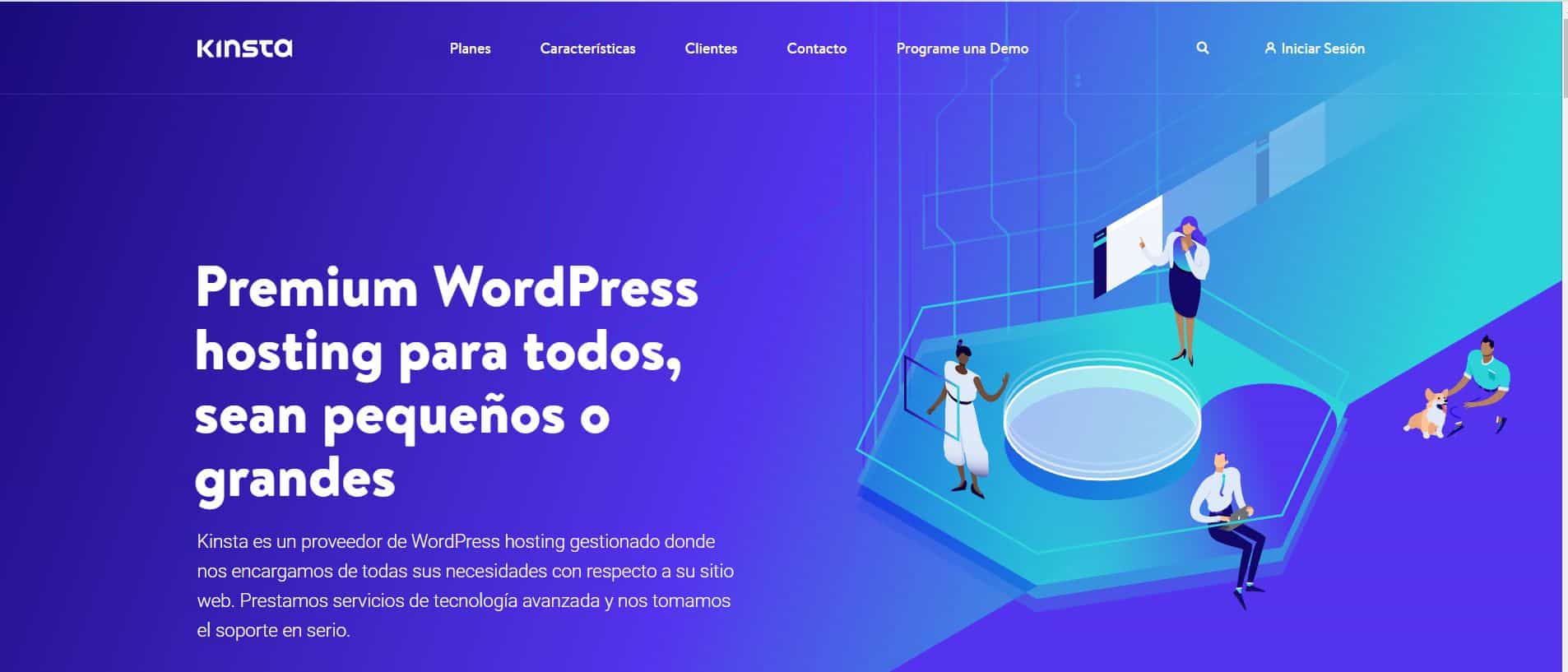
Kinsta is a premium managed WordPress host that handles the technical side for you while delivering the speed and scalability you would expect from a top-tier platform. It runs on Google Cloud infrastructure.
Key features
- Hardware firewalls
- On-demand monitoring and scaling
- Fully managed platform
- Free site transfers
- High security
- Google Cloud Platform infrastructure
- Next-generation architecture
Kinsta offers a thirty-day money-back guarantee, so you can claim a full refund if you are unsatisfied for any reason within the first month.
It backs its service with a full SLA and credits for network downtime: no credit for outages under an hour, credits of 5% of monthly plan value for an hour or more, and 10% for two hours or more. It targets 99.9% uptime, publishes interruptions on its status page, and scans for security vulnerabilities twice a minute.
Support is excellent, available 24/7, with most requests answered in under two minutes.
Kinsta's data centres include Iowa (USA), London (UK), Sydney (Australia), Hong Kong, Frankfurt (Germany), and Jakarta (Indonesia), among many others on Google's global network.
Pros
- Easy-to-use dashboard with a clear overview of your site
- Detailed per-site analytics
- Add unlimited users to your team
- A wide range of analytics tools
- Powerful, purpose-built WordPress hosting
Cons
- Entry-level pricing is higher than average
Representative plans
- Starter — one website, lower monthly visit allowance, ~10GB storage
- Pro — two websites, higher visit allowance, ~20GB storage
- Business — several websites, high visit allowance, ~30GB storage
CanSpace Solutions
CanSpace Solutions is consistently rated among the best Canadian hosts, offering affordable, reliable, award-winning hosting. It also handles domain services and free migrations with no downtime during the move.
Key features
- 24/7 proactive server monitoring
- Optimised for WordPress
- Free DDoS protection
- Daily backups
- Easy-to-use control panel
All shared and reseller plans come with a thirty-day money-back guarantee, so you can claim a full refund on hosting costs if you cancel within the window.
Support is excellent, with tickets typically answered in around five minutes by a team available around the clock.
CanSpace offers a 99% uptime guarantee and sends downtime alerts for planned or emergency maintenance that could affect your site.
It runs several Canadian data centres, with newer servers deployed to its facility in Beauharnois. You select your data centre at checkout.
Pros
- Easy backup creation and restoration
- Upgrade your plan at any time; excellent scalability
- Support for Git repositories
- Support for Node.js and Ruby applications
- Migration from any other provider
Cons
- Can be harder to use for beginners with little technical background
Representative plans
- Personal — several websites, multiple MySQL databases, ~5GB storage
- Business — unlimited websites, unlimited mailboxes, ~50GB storage
- Enterprise — unlimited websites, unlimited mailboxes, ~200GB storage
Choosing the Right Host
There is no single best host for everyone. If keeping data in Canada matters, CanSpace and Web Hosting Canada are natural fits. For beginners on a budget, GreenGeeks, Hostinger, and HostPapa are hard to beat. If your priority is a fully managed, high-performance WordPress platform and price is secondary, Kinsta stands out. Whatever you choose, pay attention to renewal pricing rather than just the introductory rate, and lean on the money-back guarantees to test a provider before you commit.
To read our privacy policy, click here.