The right accounting software takes the friction out of running a business, turning payroll, invoicing and BAS into a few clicks rather than a monthly ordeal. In this 2026 guide we compare the platforms Australian businesses rely on most, including Intuit QuickBooks, FreshBooks, Xero, MYOB and Reckon. We weigh each on usability, accounting features, reporting and support, but every one has its own strengths, feature sets and pricing tiers, so it pays to look closely before you commit.
The best accounting software in Australia at a glance
| Software | Rank | Why it stands out | Score |
|---|---|---|---|
| Intuit QuickBooks | Best overall | Works on mobile, covers BAS generation, payroll, invoicing and payment alerts, with a 30-day free trial | 10 |
| FreshBooks | #2 pick | Card payments inside invoices, automatic payment reminders, and invoices that are easy to build and edit | 9.8 |
| Xero | #3 pick | Fully supported in Australia, ideal Starter plan for solo operators, 30-day free trial | 9.7 |
| MYOB | #4 pick | One of the most established Australian brands, with BAS and GST statements, payroll and invoicing | 9.5 |
| Reckon | #5 pick | Affordable, small-business focused, with optional point-of-sale software | 9.3 |
Why QuickBooks is our top pick
Plenty of us hand the books to an accountant so we can stay focused on the business itself. Keeping the numbers at arm's length is a valid approach, but it can also leave you out of touch with what a fast-moving business is actually doing week to week. Good software closes that gap without turning you into a bookkeeper.
The trick for a small business is finding software that does enough without doing too much. Something too simplistic will not keep up; something overly complex takes months to learn and mostly goes unused. QuickBooks strikes that balance for small and medium-sized businesses, which is why it is our top pick. It edged out Xero and MYOB on functionality, interface and value, and left Reckon as a solid but more limited runner-up. Xero remains an outstanding second choice because it is one of the easiest platforms to get started with, having been built cloud-first from day one.
Intuit QuickBooks
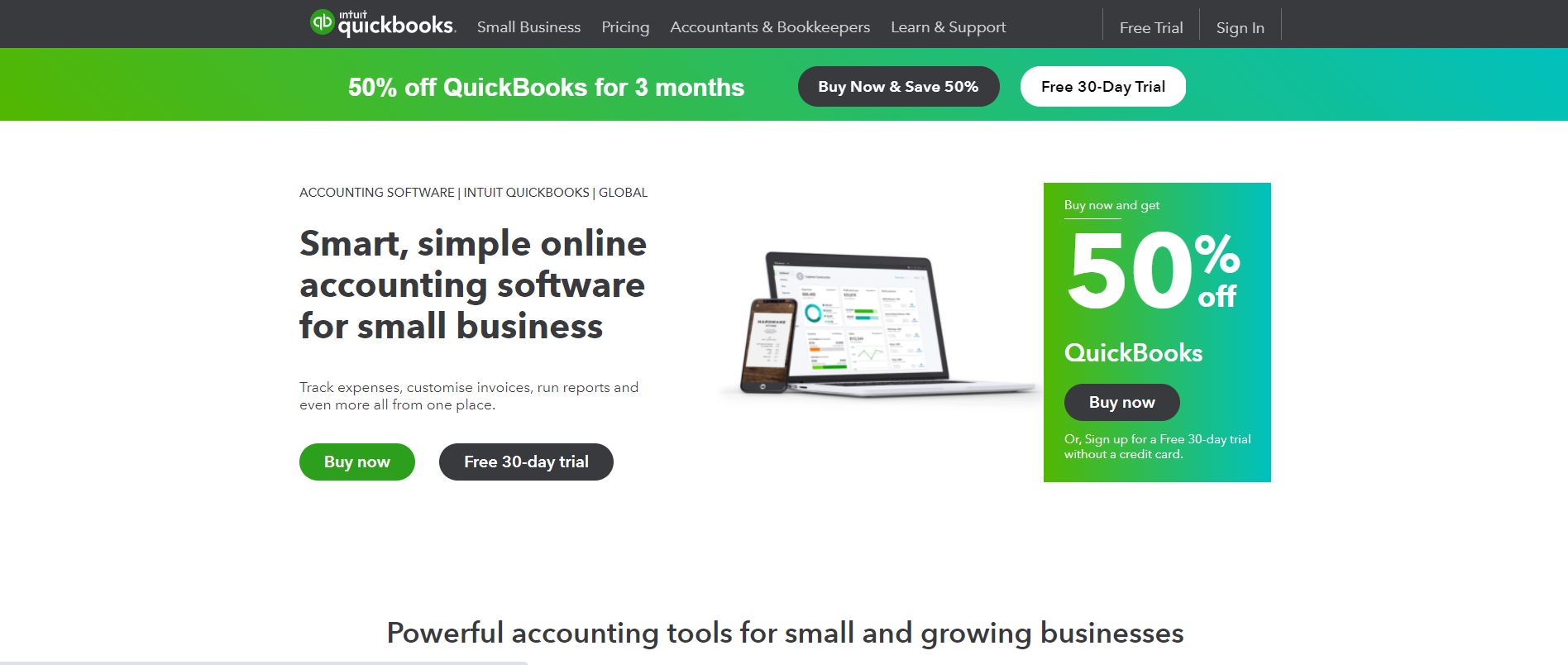
QuickBooks has been a leading name in accounting software for years, with packages for individuals and for businesses of every size. Its small-business range centres on QuickBooks Self-Employed and QuickBooks Online. The Self-Employed edition is a cloud tool built specifically for people who work for themselves, while QuickBooks Online is a cloud platform aimed at small businesses more broadly.
QuickBooks Self-Employed works from a desktop or a mobile device, with both iOS and Android apps. One thing to note: a Self-Employed data file cannot be migrated across to QuickBooks Online, so the two are not interchangeable. Even so, the Self-Employed package is far from bare-bones, covering BAS generation, payroll, invoicing and payment alerts. It also produces reports and tracks expense receipts, making quarterly performance tracking entirely realistic.
A 30-day free trial lets you get comfortable before paying. Plans run on monthly subscriptions, starting with the Self-Employed tier and stepping up through Simple Start, Essentials and Plus, with each higher tier adding capability for more advanced businesses. Introductory discounts are common in the first few months. The Plus tier, for example, adds project monitoring, inventory tracking and advanced budgeting so your reports line up with the goals you set at the start of the year. It is our overall winner in the accounting software market.
FreshBooks
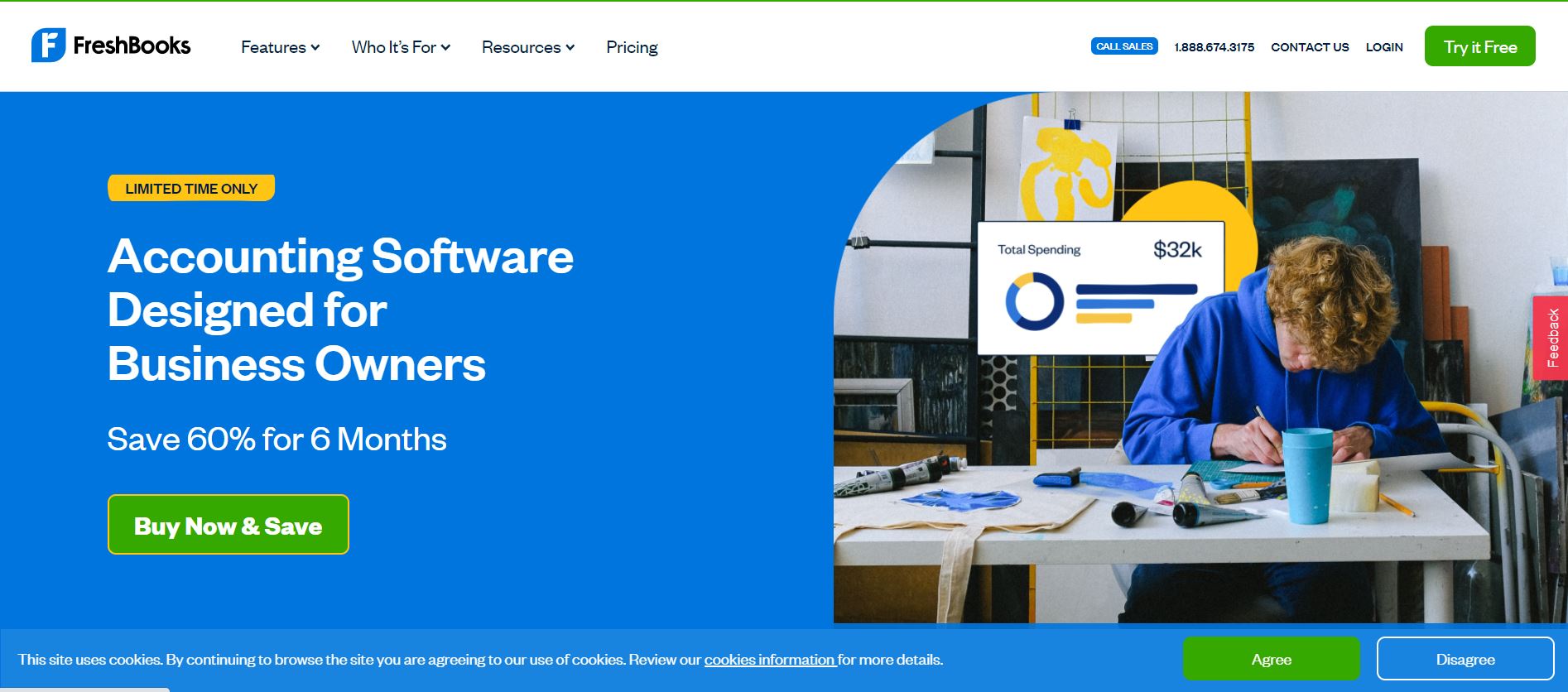
FreshBooks is invoicing software that is easy to use and does not box you in with arbitrary limits. You can use FreshBooks across any device and create customised receipts on the go. Entry-level pricing is low and more than enough for a budding small business, though the starter plan caps you at a handful of clients before you need to upgrade. That makes it ideal for freelancers finding their feet; as your client base grows, higher tiers scale up to support many more.
FreshBooks does far more than send invoices, though; it keeps track of your finances as a whole. A finance dashboard shows revenue, spending and profit at a glance, and you can filter results to compare performance across a chosen timeframe.
Key features:
- Smartphone camera integration for photographing receipts and logging expenses instantly.
- Scheduled, recurring invoices generated automatically.
- Payment reminders to nudge clients who miss a due date.
- Automated late fees to stay on top of overdue payments.
- Card payments clients can make from inside the invoice itself.
- Invoices that are quick to create and simple to edit.
Pros: a free trial before you pay, an extremely user-friendly dashboard, competitive entry pricing and expense tracking on every plan.
Cons: basic plans limit client numbers, there is no inventory tracking, the mobile app cannot view reports, and it is less practical for larger businesses.
Xero
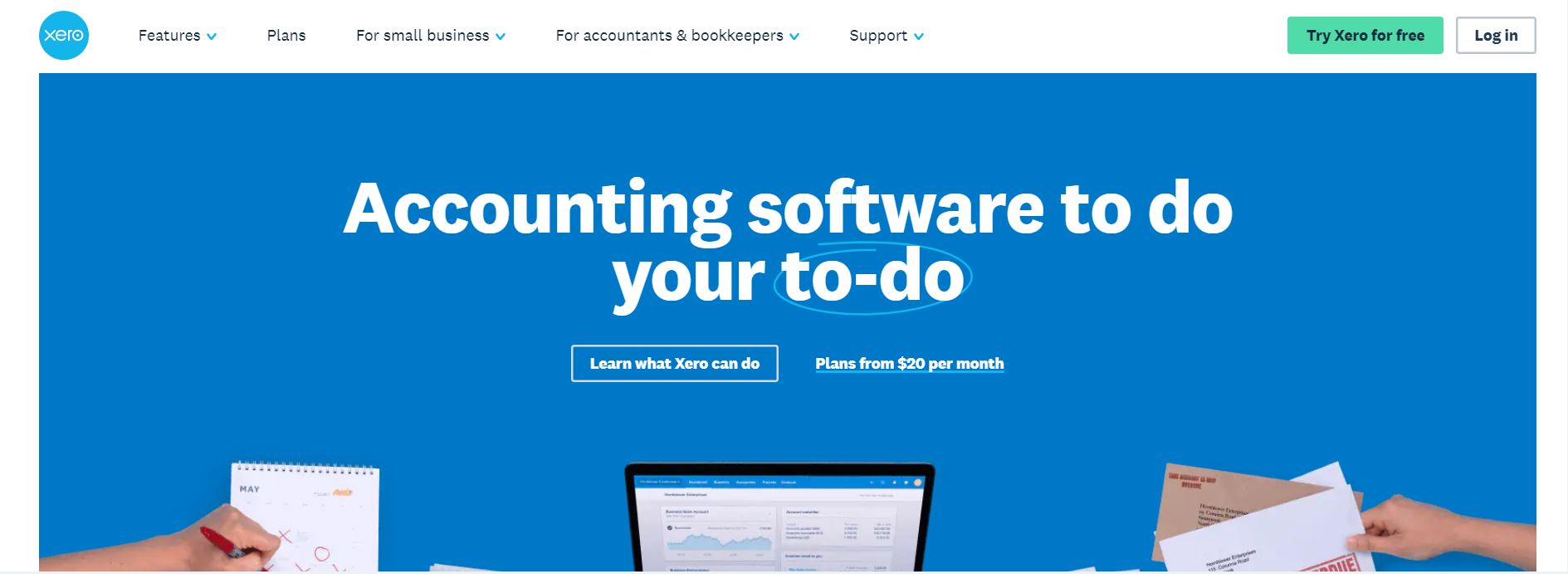
Xero began in New Zealand but is now fully supported in Australia and has won fans worldwide. It is still relatively young as accounting brands go, yet its cloud-first design and easy onboarding earned it plaudits early on. Plans range from a Starter tier with basic features, such as a limited number of invoices and bills per month, up through Standard and Premium, with optional extras that can push costs higher. There are larger-business options too, adding adaptability and features for a higher price. Sign-up discounts often apply.
Features vary by plan, so invoicing, bill management, inventory tracking and bank reconciliation depend on the tier you choose, alongside a set of features common to most plans. It is worth being clear about what you need and checking the options on the Xero website before deciding. The Starter plan is ideal for a sole operator or single-owner small business, and the 30-day trial is a great way to see how a given plan fits your workflow.
MYOB
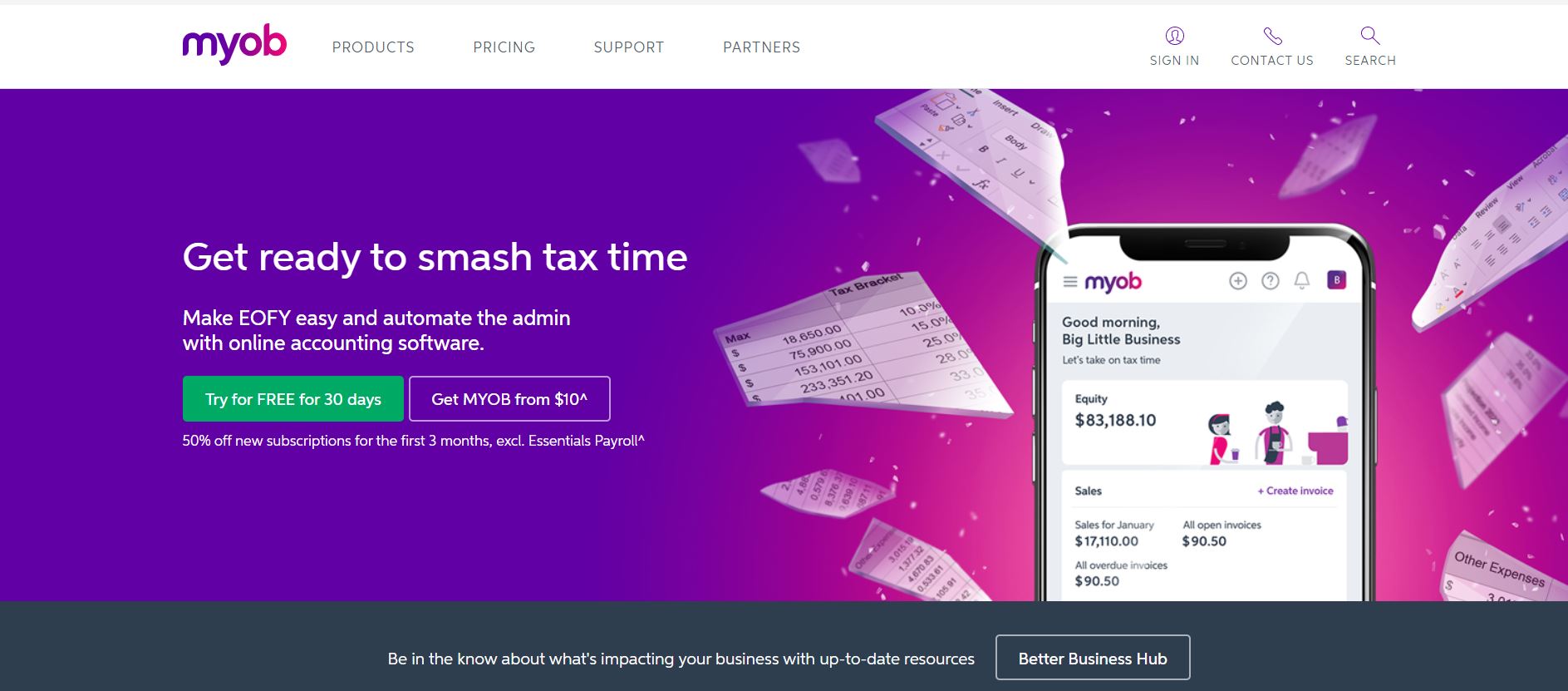
MYOB started life in Australia, which is part of why it is one of the most recognisable accounting brands here. It has been around for many years and offers several products for businesses and accountants alike. Its size and popularity have earned it numerous partnerships with Australian businesses and service providers that rivals struggle to match, and those add-ons and integrations make MYOB more customisable than most.
Core features include payroll management, invoicing, reporting, budget management, bank reconciliation, inventory and cash-flow monitoring. The line-up is split into an Essentials (Payroll) package for businesses that only need to manage employee payroll, an Essentials (Accounting) package that does far more, and an Essentials (Plus) package that goes further still. Accounting and Plus subscribers often qualify for an introductory discount on the first few months, and both tiers include a 30-day trial. MYOB's accounting plans cover BAS and GST statements, payroll and invoicing, along with expense, bill and cash-flow management, and there are e-commerce and other packages to extend it further.
Reckon
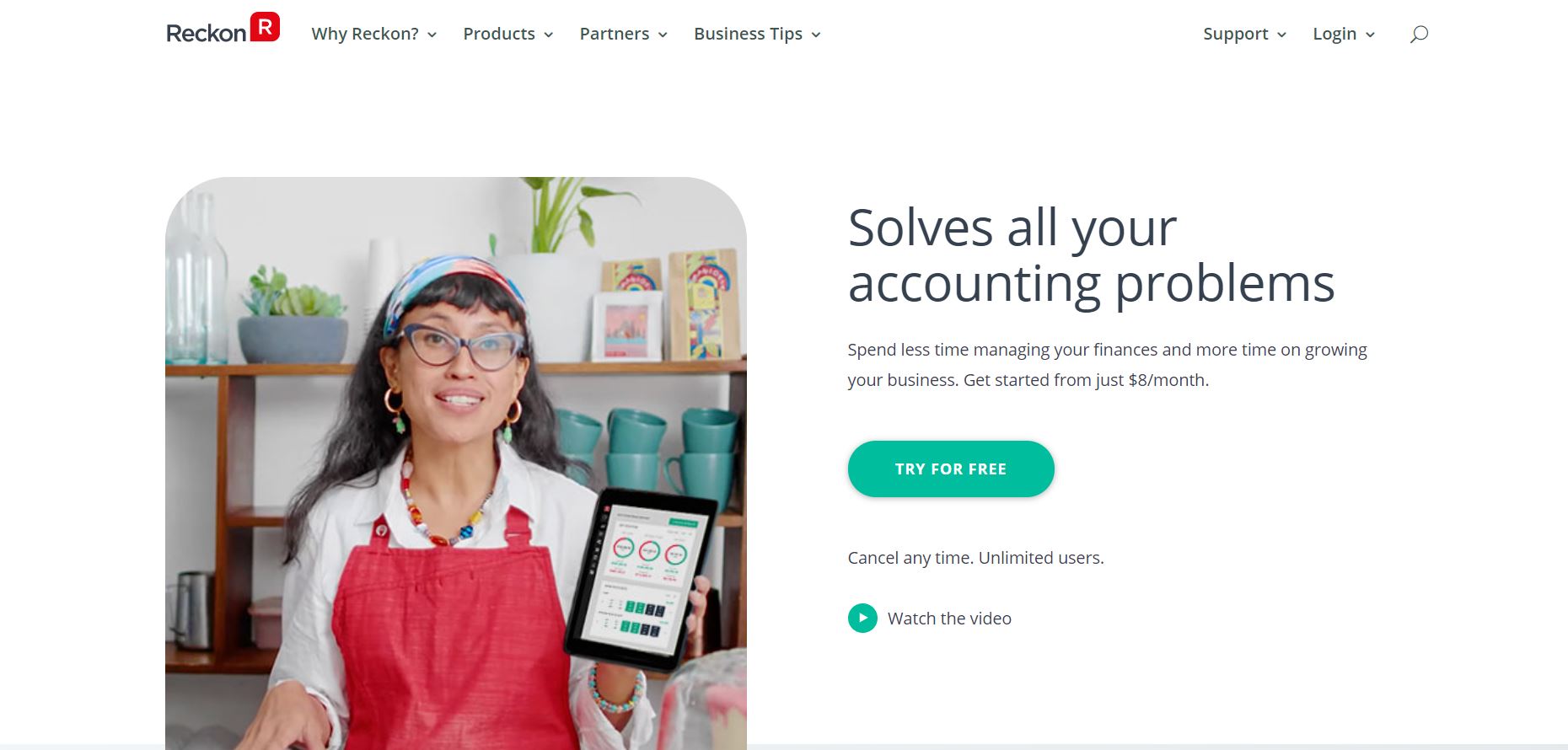
Reckon once operated under the QuickBooks banner but is now independent. It targets small businesses in particular, including bookkeepers, accountants and business owners. Reckon One is offered in a tiered structure (Basics, Essentials, Pro and Premium), and pricing is very affordable, sitting at the lower end of the market.
Advanced features reserved for the pricier tiers include bank reconciliation, expense tracking, invoice generation and bill payment. A Reckon One Payroll add-on is charged separately and covers payroll, leave and super. The same brand also offers point-of-sale software for businesses with a retail presence, which improves tracking of in-person sales and integrates them into the main Reckon One platform. Reckon sits firmly in the small-business, micro-business and sole-trader space, and it is well worth a look there.
What businesses use accounting software for
To keep a clear eye on your finances, accounting software is essential for tracking everything in one place. In Australia its most popular use is running payroll, with cash management, bill payment and tracking a close second, and inventory and point-of-sale management used less often but still valuable.
These platforms are typically split into packages so you are not overwhelmed by features you will never touch, and not overpaying for a single complicated bundle either. A profit-and-loss statement is standard across most packages, while the more advanced reporting larger businesses rely on requires higher tiers. You can start small and scale up as needs grow. Just do not leave it too late to begin; that is a common and costly mistake.
How often should you back up your accounting data?
Most modern accounting packages live in the cloud and offer a mobile app, and the constant syncing between app, browser and cloud makes a major data loss far less likely. A separate backup process is still worthwhile, though. How often to run one depends on how painful it would be to fall back to an older copy and rebuild the entries added since. We would suggest somewhere between daily and weekly, and never leaving more than a week between backups.
Which accounting software is right for your business?
For all their similarities, each platform offers different benefits. Some are tailored to the smallest businesses, while others are built for scale and are less optimal for sole traders. Consider whether you can move up from one package to another, since that is not always possible, and remember that the tier needed to unlock a given feature differs by provider, so plans rarely compare like for like. Price is not the only consideration even when features match.
Choose carefully, because you do not want to switch platforms later. Moving between tiers with the same provider is straightforward; migrating to an entirely different platform is a genuine inconvenience.
To read our terms and conditions, please visit this page.